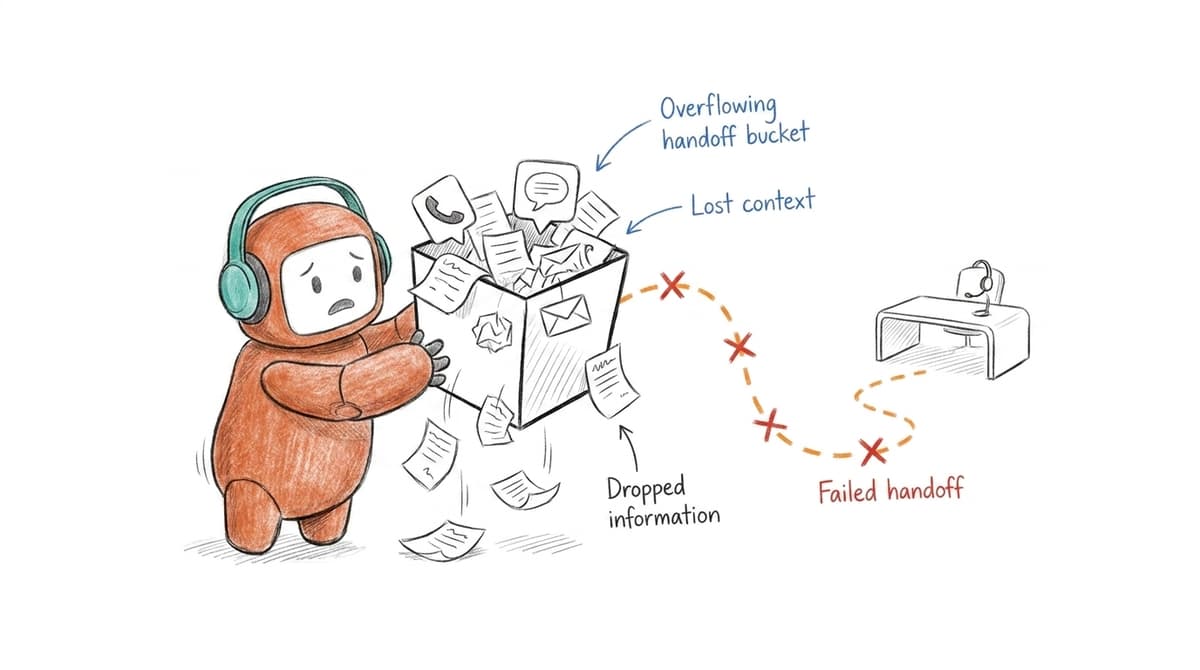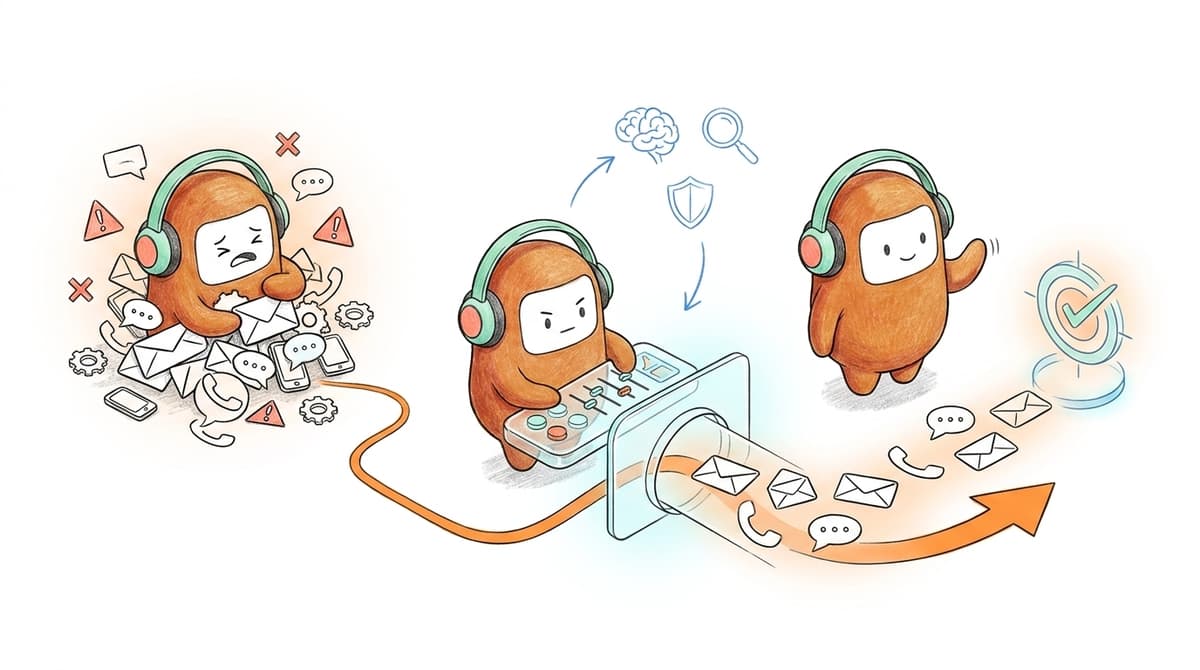
Your CX dashboard can show green while a missed SMS follow-up sits in a separate vendor queue. The real cost of contact center tool sprawl is the handoff nobody owns after the customer leaves the first channel. A closed ticket can still leave revenue work unfinished, because support, voice, SMS, and outbound all report success from their own corner. Add AI on top and the mess gets faster, not cleaner.
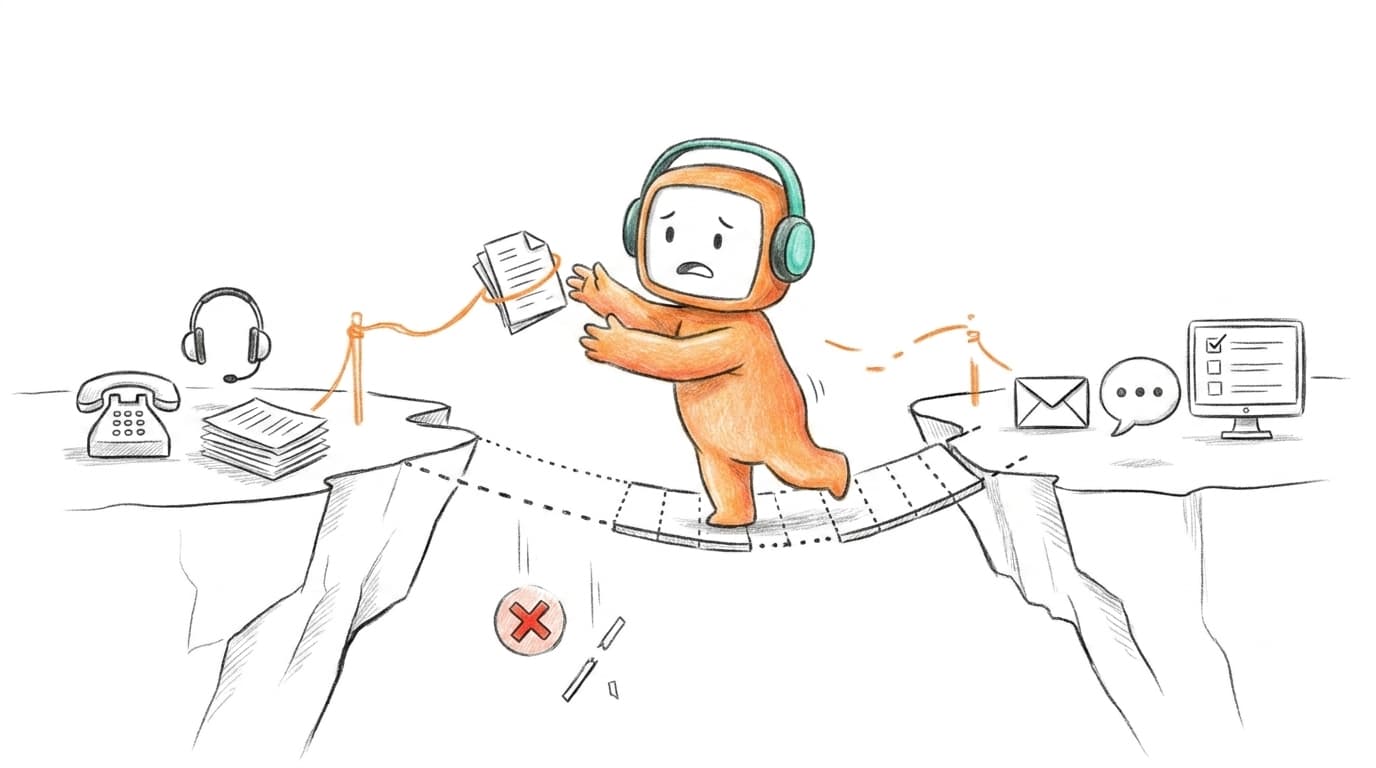
The mistake isn't buying too many tools. The mistake is letting each tool own a different part of the customer relationship. A support ticket, a missed call, an SMS reply, and a sales follow-up may all belong to the same customer moment, but your systems treat them like separate events. That's where costs hide.
Key Takeaways:
- Contact center tool sprawl isn't mainly a software problem. It's an ownership problem across channels, queues, and workflows.
- Point tools work until customer journeys cross voice, chat, SMS, outbound, and human handoff.
- CX leaders should audit the customer record, the queue owner, and the next action before buying another tool.
- A cleaner operating model starts with one customer thread, one knowledge source, and one handoff rule.
- AI only matters when it can route, log, follow up, escalate, and work with humans inside the same workflow.
Why Contact Center Tool Sprawl Breaks Customer Operations

The stack looks modern but works like a relay race
Most CX teams didn't create tool sprawl on purpose. They solved real problems one by one. A helpdesk handled tickets, a chatbot answered FAQs, a voice vendor handled calls, a dialer chased follow-ups, and a reporting layer tried to explain what happened after the fact. Fair enough. Buying a point tool is often faster than rebuilding the operating model.
The problem shows up when volume grows and customers stop staying inside one channel. Think of the contact center stack like a switchboard where every wire was added during a different emergency. Each wire works by itself, but nobody can see the whole circuit anymore. When a customer moves from web chat to phone to SMS, the team has to reconstruct intent, history, and next step by hand. That's not a customer experience. That's detective work.
Monday at 9:17 AM, a support manager opens the queue and sees three dashboards telling three different stories. The chat tool says deflection is up. The phone system says wait time is down. The outbound team says follow-up is late because lead status didn't sync between the dialer and CRM overnight. Everybody has a metric, but nobody has the customer.
AI add-ons can make the fragmentation worse
AI doesn't fix a fragmented contact center stack if it sits outside the work. In many teams, AI becomes another layer beside the helpdesk, voice system, outbound tool, and knowledge base. It can answer a question, but it can't always update the workflow, route the case, or pass useful context to the person who takes over.
That's the counterintuitive part. A company can "have AI" and still run customer operations manually behind the scenes. The bot handles the first reply, then the agent copies notes into the helpdesk, then the revenue team checks a separate CRM queue, then the manager waits for a BI report tomorrow morning. It feels modern from the outside. Inside, it is still five systems passing paper.
Some teams prefer this because it feels safer. Keep the current helpdesk, add a bot, avoid a bigger change. I get the logic. The downside is that every new layer adds another place where context can break, ownership can blur, and reporting can drift from what actually happened.
The cost is paid in handoffs, not licenses alone
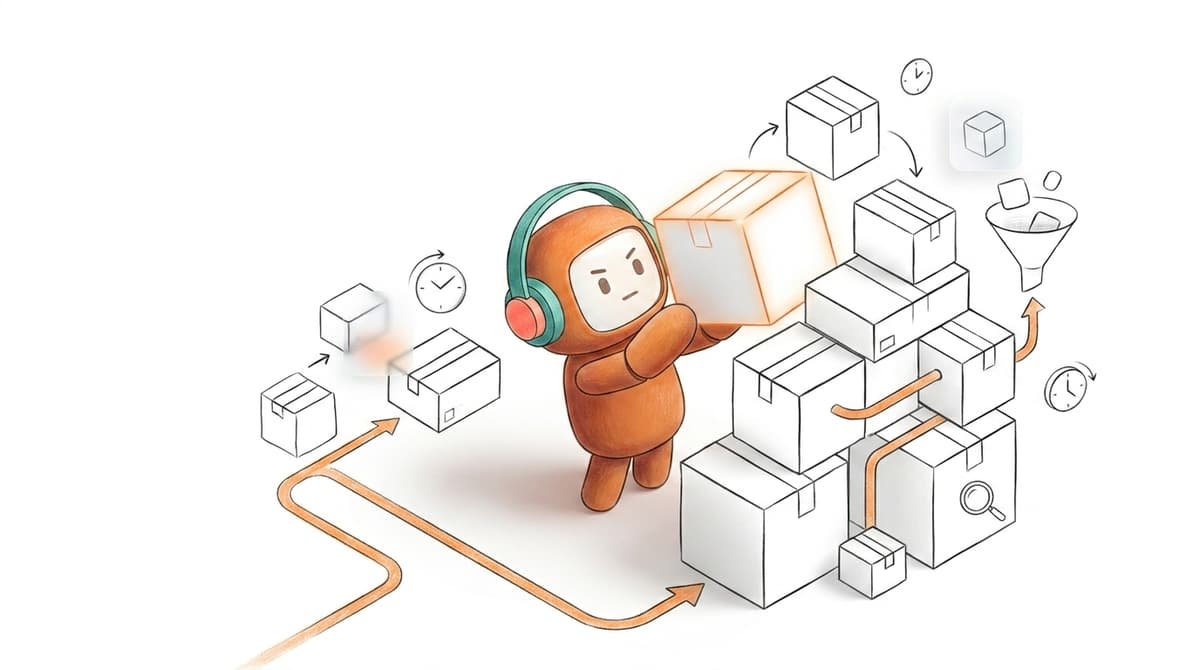
The license bill is the obvious cost of contact center tool sprawl. The bigger cost is operational drag: repeated questions, delayed follow-up, weak routing, duplicated reporting work, and agents losing time switching between systems. If a handoff takes 4 minutes and happens 300 times a day, that's 20 hours of work spent moving context instead of serving customers.
The emotional cost is real, too. Nobody joins a CX team to copy call notes from one tab into another. By the third escalation of the morning, your agents aren't thinking about better service. They're thinking, "Where did this customer start, and who touched it last?" That frustration compounds because the customer feels it before the dashboard proves it.
Sprawl is not a sign that your team bought bad software. It's a sign that the workflow has outgrown the architecture.
How to Cut Contact Center Tool Sprawl Without Losing Control
Cutting contact center tool sprawl starts by deciding which system owns the conversation, not by counting vendors. If voice, chat, SMS, tickets, outbound, and AI all create separate records, consolidation will fail. The first move is to rebuild around one customer thread and one next action.
Audit where customer context actually breaks
Start with the breakpoints, not the vendor list. Pick 20 recent customer conversations that crossed more than one channel and trace them from first contact to final outcome. If the customer had to repeat the same issue, if an agent had to ask another team for missing context, or if the next action lived outside the main queue, you've found the real source of the sprawl.
The useful test is simple. For each conversation, ask three questions: where did the interaction start, who owned the next step, and what system had the complete history? If two or more answers are unclear, the stack is not supporting the workflow. It's splitting it. Honestly, this is where many teams get surprised, because the worst breakpoints are often between "working" tools.
Run the audit like this:
- Choose 20 cross-channel conversations: Include voice, chat, SMS, email, and outbound follow-up where possible.
- Mark every handoff: AI to human, support to sales, chat to phone, phone to SMS, ticket to CRM.
- Count repeated context: Any time the customer or agent restates information, log it.
- Find the missing owner: If nobody clearly owned the next step, mark the workflow as broken.
- Calculate drag: Multiply the average handoff minutes by daily volume.
A useful threshold: if more than 25% of sampled conversations require manual context reconstruction, don't buy another channel tool yet. Fix ownership first.
Separate channel coverage from workflow ownership
Channel coverage sounds impressive. Voice, chat, SMS, WhatsApp, email, web chat. The list looks good in a procurement deck, but coverage alone doesn't reduce contact center tool sprawl. If each channel has its own queue, knowledge source, reporting path, and escalation rule, you've only widened the surface area of the problem.
Workflow ownership is different. It asks, "What happens next, and who or what owns it?" A customer asking about a billing issue by chat may need a human escalation. A lead replying by SMS may need qualification. A missed call may need an outbound follow-up. The channel matters, but the next action matters more.
A simple rule works: if a channel can't share customer history, use the same knowledge, and pass a clean handoff into the main workspace, treat it as a temporary endpoint rather than a core system. That doesn't mean rip it out tomorrow. Some legacy systems need to stay during migration, and that's valid. The point is to stop designing operations around channels and start designing around customer outcomes.
Map each workflow into four fields before you consolidate anything:
- Trigger: What starts the workflow, such as a call, chat, form, reply, or missed payment.
- Context: What the agent or AI must know before responding.
- Action: What should happen next, such as answer, route, book, qualify, collect, or escalate.
- Owner: Who owns the outcome if automation can't finish it.
If you can't fill those four fields, you don't have a tooling issue yet. You have an operating model gap.
Put knowledge where humans and AI both use it
A knowledge base nobody updates is worse than no knowledge base. It gives everyone false confidence. AI answers from old content, agents paste their own versions, supervisors correct the same mistake every week, and the customer gets a different answer depending on the channel they chose.
The fix isn't just "centralize knowledge." That phrase is too easy. The real test is whether the same knowledge source drives AI responses, human suggested replies, escalation guidance, and workflow rules. When knowledge lives in one place but only the bot uses it, agents still improvise. When agents use one source and AI uses another, quality breaks in two directions.
Use a 30-day knowledge check before expanding automation. Pull the top 50 intents by volume, then verify whether each has an approved answer, an escalation rule, and a last-reviewed date within 90 days. If an intent doesn't have all three, don't automate it yet. Put it in human handling until the knowledge is ready.
There is a tradeoff here. Tighter knowledge governance slows down some launches, no question. The alternative is worse: fast automation that spreads wrong answers across more channels, faster than your team can catch them. If you're serious about cutting sprawl, knowledge has to become an operational asset, not a help center afterthought.
Build handoff rules before adding more automation
Automation breaks customer trust when it doesn't know when to stop. A bot that answers routine questions is useful. A bot that traps an angry customer, misses negative sentiment, or escalates without context creates more work than it removes. "Let me transfer you" should never mean starting from scratch.
Before adding more AI, define the handoff rules. Start with negative sentiment, unresolved intent, high-value customer tier, regulated language, repeated failed answers, and conversation duration. For each trigger, specify what context the human receives: summary, prior messages, customer profile, attempted resolution, and suggested next step. Without those details, the handoff is just a transfer.
A good diagnostic is the restart test. If a human agent has to ask, "Can you tell me what happened?" after escalation, the handoff failed. If the agent can enter the conversation with history, intent, and next action already visible, automation is doing useful work.
When you're mapping those handoff rules against your current queues and outbound workflows, book a demo to see how the operating model can be structured before another point tool gets added.
Consolidate around work, not vendor count
Vendor consolidation sounds like a finance project. It isn't. For CX leaders, the real goal is to reduce the number of places where work can get lost. A team can have fewer vendors and still have a broken operation if the remaining tools don't share context, knowledge, routing, and reporting.
Start with the workflows that carry the most risk or revenue. For support, that may be billing questions, account access, order status, or policy exceptions. For revenue, it may be lead qualification, missed demo follow-up, re-engagement, or renewal reminders. Then ask whether each workflow can be run from one operating layer across inbound and outbound.
The practical sequence looks like this:
- Unify the customer thread first: Every channel should point back to the same customer history.
- Standardize knowledge second: Human and AI agents should answer from approved content.
- Define routing and handoff third: Escalation rules should be visible before go-live.
- Add outbound only with governance: Follow-up needs consent, opt-out handling, and clear ownership.
- Measure workflow outcomes: Track resolution, follow-up, escalation quality, and response time in the same view.
The exception matters. If you run a small team with fewer than 200 conversations a week, consolidation may not pay back yet. A simple helpdesk and a human process might be cheaper and easier to manage. Sprawl becomes urgent when volume, channel mix, and handoffs make manual coordination too expensive to trust.
How Revve Rebuilds the Customer Operations Layer
Revve reduces contact center tool sprawl by bringing AI agents, human agents, channels, knowledge, routing, and outbound workflows into one customer operations workspace. The point isn't to replace every system in your company. The point is to run customer-facing work from one layer instead of five disconnected queues.
One workspace for humans, AI, and customer context
Revve is built around a unified AI and human workspace, so conversations don't disappear when they move from automation to an agent. Voice, chat, SMS, WhatsApp, email, Messenger, Zalo, web chat, app chat, LINE, Instagram, and LinkedIn can be tied to one customer thread where configured for the use case. Human agents see the conversation history, AI activity, and suggested next steps in the same operating record.
That matters because sprawl usually fails at the handoff. Revve's Smart Escalation and Full-Context Handoff can move a conversation to a human based on triggers such as sentiment, unresolved intent, keywords, duration, customer tier, or custom rules. The handoff includes the thread, summary, prior context, and AI-suggested next steps, so agents don't restart discovery. We don't replace your team. We take the repetitive work so your people can own the part that actually needs a human.
Knowledge-Grounded AI Automation is the other half of the model. Teams load approved documents, websites, and FAQs into a shared knowledge base, then AI agents retrieve from that knowledge during conversations. The same knowledge layer supports human teams, which reduces the "bot said one thing, agent said another" problem. Revve also includes no-code configuration, testing, and rollbacks, so operations teams can adjust scripts, workflows, routing, tone, and scenarios without sending every daily change to engineering.
Inbound plus outbound without another side system
Revve treats outbound as part of customer operations, not a separate motion living beside support. Outbound Orchestration lets teams build multi-step outreach across calls, SMS, WhatsApp, messaging apps, and email from the same platform. For US enterprise teams, that matters because lead follow-up, reminders, re-engagement, and campaign outreach often sit outside the support stack even though they depend on the same customer context.
EagleView, a US geospatial and property data business, uses Revve for outbound lead engagement and website lead capture flows tied into its sales process. That story stays in the US revenue lane: faster lead engagement, cleaner website capture, and outbound work connected to sales workflows. It isn't a generic claim about automation. It's the practical use case most CX and revenue teams recognize: the lead came in, the clock started, and follow-up couldn't wait for a manual queue.
A Cleaner Operating Model for CX Teams
A cleaner CX operating model gives every customer conversation one thread, one knowledge source, one handoff path, and one owner for the next action. Tools still matter, but architecture matters more. Without that foundation, AI becomes another queue, and contact center tool sprawl keeps coming back under a newer name.
The next phase of customer operations won't be judged by how many channels a team supports or how human an AI agent sounds. It will be judged by whether the work gets done: answer, route, follow up, qualify, escalate, and hand off with context intact. If your current stack makes that harder than it should be, the problem isn't your agents. It's the operating layer they were given.
FAQ
How do I consolidate my customer communication channels?
To consolidate your customer communication channels, start by using Revve's Omnichannel Conversation Management. This feature allows you to manage interactions across voice, chat, SMS, and messaging in one unified view. First, identify all the channels your customers use. Then, integrate them into Revve to ensure all conversations are tied to a single customer thread. This way, your team can access complete context for each customer interaction, reducing the chances of repeated questions and improving overall service consistency.
What if my team struggles with context during handoffs?
If your team struggles with context during handoffs, consider implementing Revve's Smart Escalation and Full-Context Handoff features. These tools ensure that when a conversation moves from an AI agent to a human, all relevant context is preserved. Start by defining clear escalation triggers based on sentiment or unresolved issues. Train your team to use the provided context, such as conversation history and suggested next steps, to continue the dialogue seamlessly. This approach minimizes confusion and enhances the customer experience.
Can I improve my team's response time with Revve?
Yes, you can improve your team's response time by utilizing Revve's Unified AI and Human Workspace. This feature allows both AI and human agents to collaborate on the same conversations, reducing the time spent switching between different systems. To implement this, ensure that your team is trained to leverage AI-suggested responses and context summaries during customer interactions. This way, agents can quickly access the information they need, leading to faster resolutions and improved customer satisfaction.
When should I consider using AI for customer support?
You should consider using AI for customer support when you notice a high volume of repetitive inquiries or when your team is overwhelmed with tickets. Revve's Customer Support Automation can handle routine questions, allowing your agents to focus on more complex issues. Start by identifying the most common queries your customers have, then configure the AI to respond to those. This will not only speed up response times but also improve overall efficiency in your support operations.