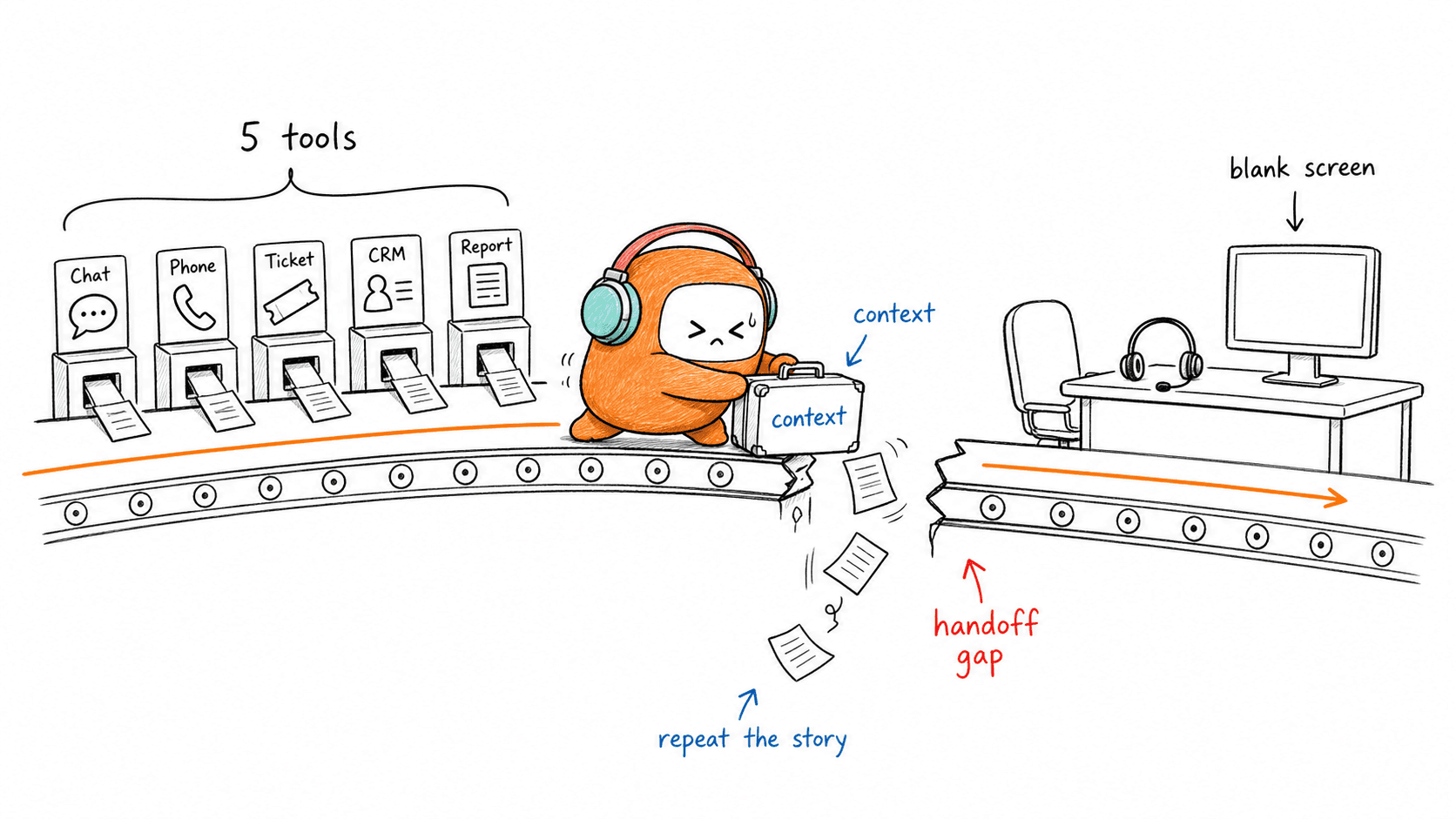
Five support tools can hide one broken handoff. Customer support workflow checks matter because the worst support failure usually doesn't happen when AI answers the easy question. It happens when the customer finally needs a person and the person gets an empty screen.
Most CX leaders already know their automation can answer FAQs. Password reset. Order status. Appointment change. Fine. The harder question is whether your workflow knows when to stop, who should take over, what context should move with the customer, and what should happen after the handoff.
Key Takeaways:
- Customer support workflow checks should focus on handoffs, not just ticket closure.
- A good escalation trigger uses customer risk, issue complexity, sentiment, and time in conversation.
- If a human agent needs more than 60 seconds to understand the issue, the handoff failed.
- AI support should be measured by clean transfer quality, not only deflection.
- The strongest support systems keep AI and human agents in the same operating record.
- High-volume teams should review escalation paths every 30 days, not after complaints arrive.
Why Support Workflows Break at the Handoff

The Bot Was Never the Whole Problem
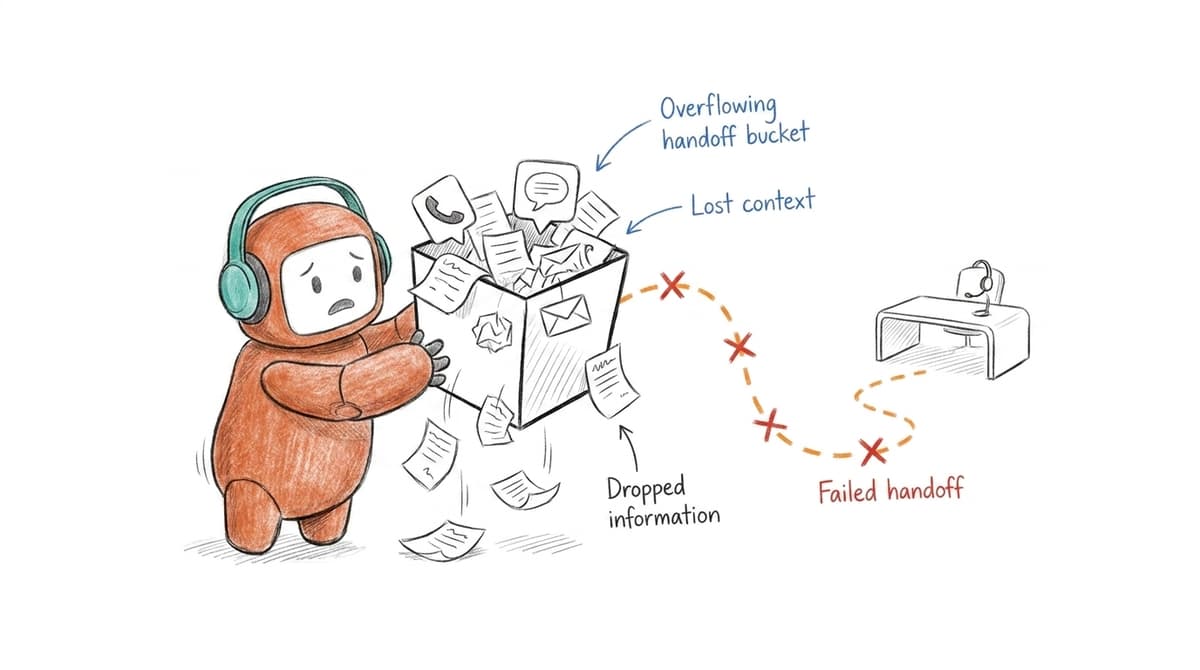
A customer opens chat at 9:14 AM about a $47 duplicate billing charge. The AI asks two questions, gives one policy answer, then detects frustration and routes the case to a live agent in Zendesk. The agent sees only “billing issue” and a timestamp. No transcript summary. No account context. No reason for escalation. By 9:22 AM, the customer has typed the same story three times and is now angrier at the process than the original charge.
That is where most AI customer service tools fail. Not because the bot cannot answer a simple question, but because the workflow around the bot is broken. The visible problem is automation quality. The deeper problem is operational continuity. If your escalation workflow loses context, your AI is not reducing support load. It is just delaying the moment a human has to clean it up.
Fragmented Systems Create Expensive Amnesia
Most CX teams have a voice tool, a chat tool, a ticketing tool, a CRM, and a reporting layer that arrives after the problem has already moved. Each tool may work alone. Together, they create memory loss. A customer who starts on WhatsApp and moves to voice should not become a new case just because the channel changed. That is not a customer problem. It is a workflow design problem.
The strange part is what teams measure. They count how many conversations AI handled, but not how many human agents had to rebuild context after escalation. McKinsey has written about AI-enabled customer service as a shift from isolated service interactions toward more connected customer engagement, and that point matters here because escalation is not a single event. It is part of the customer journey, not an exception outside it. If the thread breaks, the customer feels it immediately.
The Escalation Test Most Teams Skip
Take 10 escalated conversations from last week and ask a human agent to explain the issue without reading the full transcript. Give them 60 seconds. If they cannot identify the customer’s intent, prior steps, risk level, and suggested next action, your customer support workflow checks are too shallow. Run this once a month with a different agent each time. Patterns show up fast.
A fair counterpoint: some teams avoid detailed handoff rules because they fear over-engineering. That concern is valid. A 20-person support team with low volume may not need complex routing logic. Once you are handling thousands of conversations per week, vague escalation is not simpler. It becomes a tax on every agent, every queue, and every customer who expected the system to remember them.
The next question is not whether AI should escalate. The real question is what the human receives when it does.
Customer Support Workflow Checks That Prevent Broken Escalations
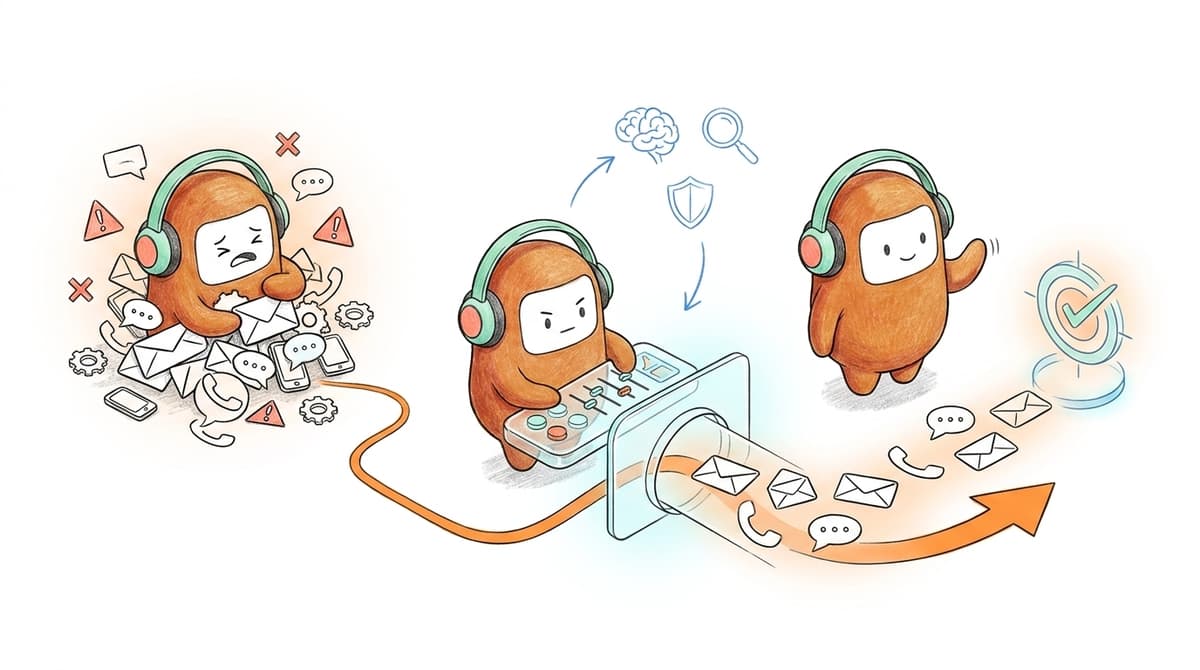
Strong customer support workflow checks define exactly when AI should step aside, what context must transfer, and how the human agent should continue. The goal is not full automation. The goal is clean division of labor between machine speed and human judgment.
Check Whether Escalation Triggers Match Real Risk
A support workflow should escalate when the conversation crosses a risk line, not only when the AI “fails.” That line might be negative sentiment, unresolved intent after two attempts, repeat contact within 24 hours, payment sensitivity, account tier, regulated language, or a customer directly asking for a person. The teams that get this right do not use one master rule. They use a short set of observable signals and keep tuning them.
Review 50 escalations and put each one into one of three buckets: too early, too late, or right time. If more than 20% are too late, customers are getting trapped in automation. If more than 20% are too early, your AI is acting like a greeter, not a support operator. The useful middle is where AI handles repetitive work but exits before the customer feels boxed in. Not perfect. Good enough to trust.
Run the check like this:
- Pull 50 escalated conversations from the last 30 days.
- Tag the trigger that caused each handoff.
- Mark whether the human agent had to apologize, re-ask, or restart.
- Rewrite any trigger that caused three or more bad handoffs.
- Review the same sample again in 30 days.
Measure Context Transfer, Not Just Response Time
Response time is easy to measure. Context transfer is harder, and it matters more during escalation. A customer can forgive waiting 90 seconds if the next person understands the issue. They rarely forgive a fast handoff that starts with, “Can you explain what happened?” That sentence is the sound of a broken workflow.
A strong handoff should pass four things every time: customer identity, conversation summary, prior actions, and suggested next step. Skip one and the agent has to reconstruct the case manually. Skip two and the customer starts over. The check is blunt but useful: if an agent needs to open more than two systems to understand an escalated case, the workflow is not ready for high conversation volume. The customer may not see the tabs. They feel the delay.
A good escalation package includes:
- Intent: what the customer is trying to solve.
- History: what AI already asked, answered, or attempted.
- Risk: why the case moved to a human.
- Next action: what the agent should do first.
- Customer state: sentiment, urgency, or explicit request.
Audit the Channels Where Context Gets Lost
Channel switching is where support systems show their age. Web chat to email. SMS to voice. Voice to ticket. A customer thinks they are continuing the same conversation. Your systems may treat it as three separate records, and suddenly your agent is doing detective work instead of support. A lot of “AI failed” stories are really channel continuity stories.
The check is simple: pick five customers who used more than one channel in the same week and trace their journey from the agent’s point of view. Could the agent see the full thread? Did the channel preserve native details, such as call history, message templates, or email replies? Did the customer repeat the same identifier twice? If the answer is yes, your workflow has a channel break. Fix the break before adding more automation.
There is a real tradeoff here. Joining channels cleanly takes systems work, and not every company has a clean CRM underneath. Still, the work pays back when customer volume rises. A support operation runs like an airport baggage system: the passenger only sees the suitcase at the end, but the real system is the routing underneath. One broken transfer belt and everything looks like a front-desk problem.
Define Human Ownership Before the Handoff Happens
Ownership should be decided before escalation, not after the case lands in an unassigned queue. The agent who receives a sensitive billing issue, renewal risk, or angry customer should be chosen by skill, availability, and authority. A junior agent can handle a password reset. They should not be the first stop for a customer threatening to cancel a six-figure account.
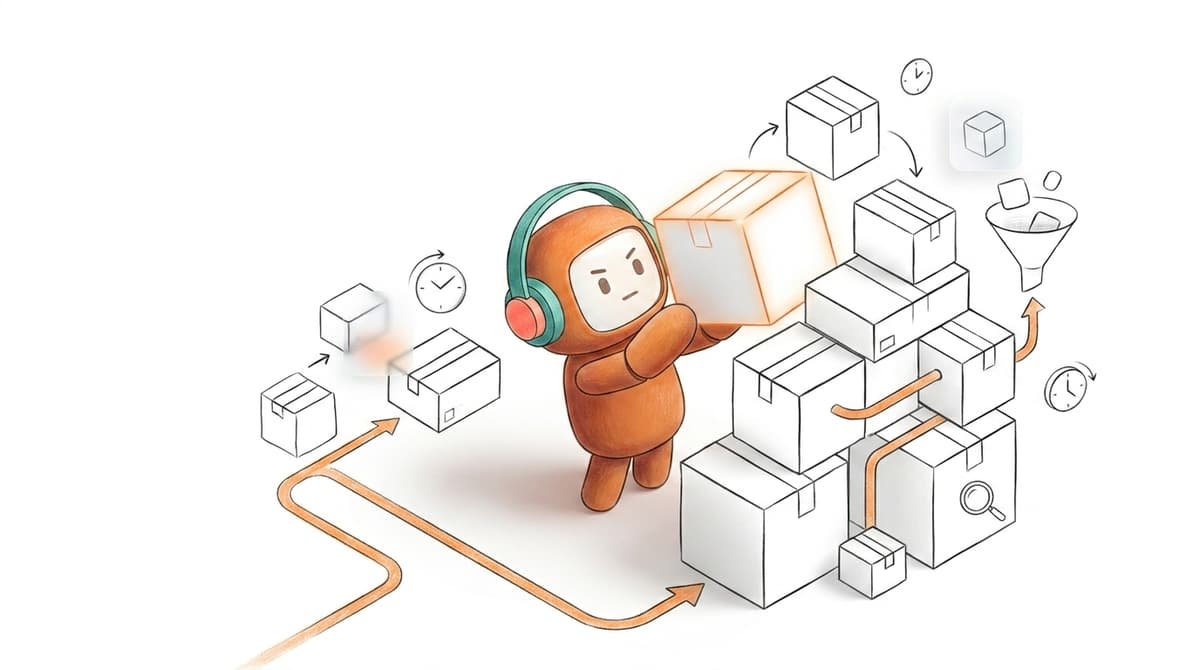
Use a routing check with clear thresholds. If the customer is high-value, route to a senior queue. If the issue includes payment, route to agents trained on billing rules. If sentiment drops below your internal threshold or the conversation runs longer than a set time, escalate before the customer asks twice. The exact numbers will differ. The mechanism should not. Match the conversation to the person who can actually resolve it.
For high-volume teams, these minimum rules work:
- Escalate after two failed intent matches.
- Escalate immediately on cancellation, complaint, refund, or legal language.
- Escalate after 5 minutes in an unresolved live conversation.
- Route VIP or enterprise customers by account tier, not queue order.
- Send complex cases to skill-based queues, not the next available person.
Check Whether Agents Can Correct the System
A support workflow that cannot learn from human corrections will decay. Policies change. Product details change. Customers find new ways to ask old questions. If agents correct the same AI answer every week and nobody updates the knowledge source, the workflow is not improving. It is repeating.
Review agent overrides, not just AI outcomes. How often did agents rewrite a suggested response? Which knowledge articles caused the most escalations? Which escalation triggers fired correctly but sent the wrong next step? If three agents correct the same answer in the same month, update the knowledge base or workflow rule within five business days. Waiting for a quarterly review is too slow. The support floor already told you what is broken.
Some teams will say they do not have time for this loop. That is fair. Support leaders are already buried in queue health, staffing, escalations, and weekly reporting. Without a correction loop, every mistake becomes permanent until someone complains loudly enough. That is a bad operating model. Small weekly fixes beat large quarterly rebuilds.
Test Compliance Before Expanding Automation
Customer support workflow checks should include compliance before automated contact expands across sensitive channels. Voice, SMS, and outbound follow-up create different obligations from web chat. Consent, opt-outs, local contact windows, and approved language can become operational risks if the workflow depends on human memory. The FCC’s guidance on telemarketing and robocalls is a useful reminder that contact rules are not abstract policy. They shape what support and outbound systems can safely do.
Run pre-launch tests against edge cases. What happens if a customer has opted out of SMS? What happens if the AI drafts a sensitive payment message? What happens if the next follow-up would land outside the allowed local window? If your workflow cannot answer those questions before launch, do not expand the channel yet. Build the guardrails first, then increase volume.
For teams operating in regulated environments, this is also where deployment model enters the conversation. Cloud may be right for many teams. On-prem may be required where data residency, internal controls, or production voice requirements demand it. The point is not to choose the heavier path by default. The point is to choose the path your operating risk can actually support.
A workflow check is only useful if it changes what happens next.
How Revve Keeps AI and Humans Together
Revve gives AI and human agents a shared workspace, so escalation does not become a restart. Conversations across voice, chat, SMS, email, and messaging stay tied to one customer thread. Human agents receive history, context, and suggested next steps inside the same workspace.
One Workspace for the Full Conversation
Revve is built for the moment when AI needs to hand the customer to a person. The unified AI and human workspace keeps automated and human work in the same conversation record, instead of splitting the customer journey across disconnected tools. That matters because the handoff package we described earlier, intent, history, risk, and next action, is only useful if the agent can see it without hunting across systems.
The omnichannel inbox also keeps channel history together across supported channels such as voice, chat, SMS, WhatsApp, email, Messenger, Zalo, web chat, app chat, LINE, Instagram, and LinkedIn. Revve does not claim every channel in the world behaves the same way. Native channel details still matter. The internal view gives agents one thread to work from, which is the difference between continuing the conversation and restarting it. If you want to see how that handoff looks in a real operating environment, you can book a demo with the Revve team.
Escalation Rules That Match Real Operations
Revve’s Smart Escalation and Full-Context Handoff uses configured triggers such as sentiment, unresolved intent, keywords, customer tier, conversation duration, and custom rules. The point is not to pretend AI should handle everything. Revve is designed so teams can define when AI should step aside and what the human should receive when it does.
Revve also supports compliance controls and approval workflows for sensitive support and outbound activity. Before certain messages or contact attempts go out, configured rules can check items such as consent status, local time windows, do-not-call restrictions, and opt-out requirements. Human approval can stay in the loop for higher-risk messages. That gives teams one place to manage automation, escalation, and governance across customer conversations.
Deployment That Fits the Environment
Legacy CX projects often fail because the implementation takes longer than the operational problem can wait. Revve supports both cloud and on-prem deployment options depending on the environment. Banks and regulated teams may need on-prem. Other enterprise teams may run cloud. Same platform, different deployment path.
For customer operations teams trying to reduce fragmentation, the value is straightforward: one shared workspace for AI and humans, one place for conversation history, and one workflow for support, sales, and outbound engagement. That is the system customer support workflow checks are trying to create.
Build Escalations Customers Do Not Have to Repeat
Customer support workflow checks should make one promise: when a customer moves from AI to a human, the conversation moves with them. Fast automation is not enough. Clean escalation is where trust is won or lost.
Start with the 10-conversation test. Then check triggers, context, channel continuity, ownership, correction loops, and compliance before you expand automation. If the agent can continue in under 60 seconds, you have a workflow worth scaling. If not, the customer is not talking to a smarter system. They are talking to a handoff with missing memory.