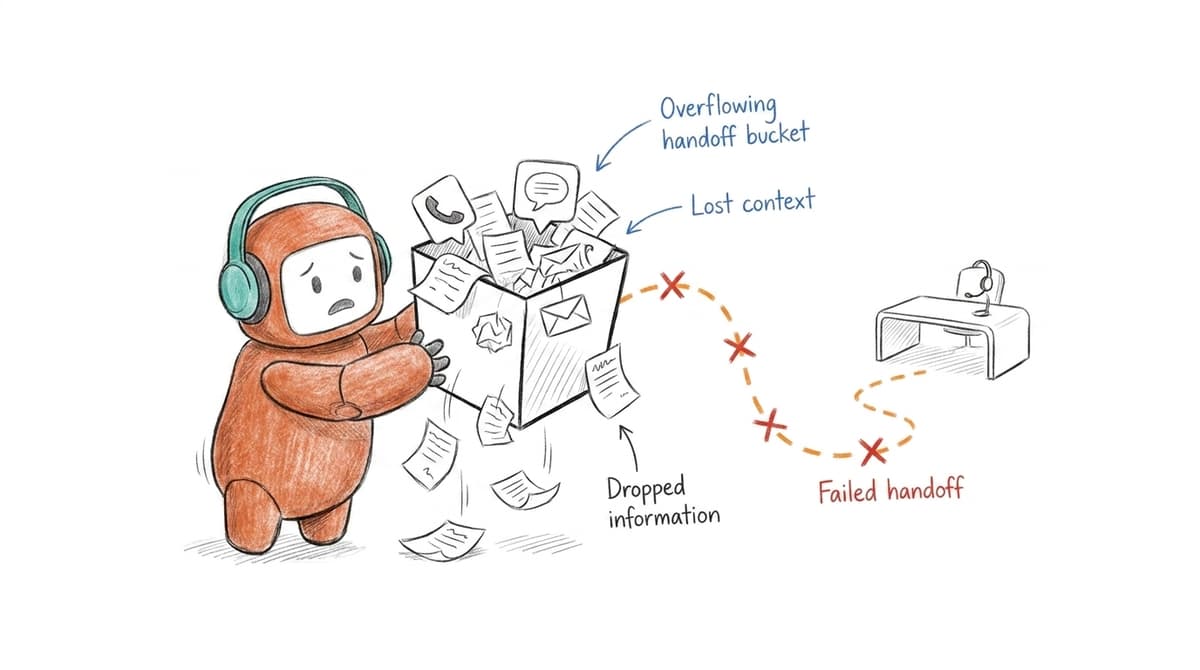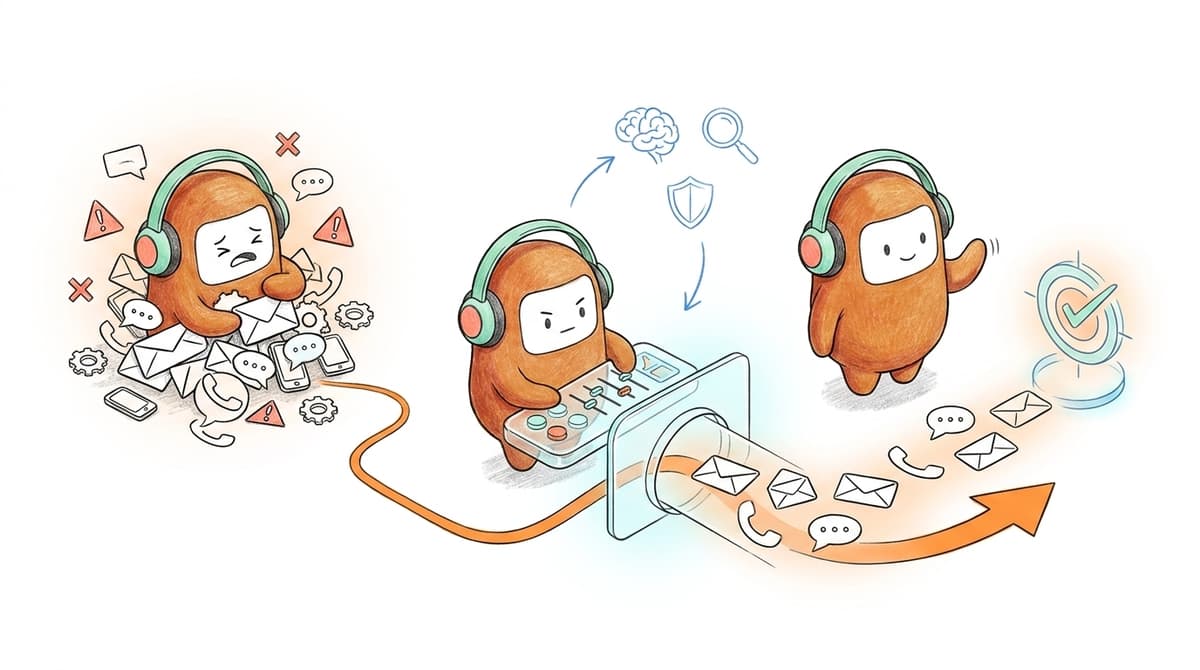
You can automate the first reply in 10 seconds and still lose the customer before the handoff is complete. Most CX leaders treat automation as a channel feature when it's actually a workflow decision — and that single misframe is why their tooling stack keeps growing while resolution times don't. The customer service automation trends worth watching are the ones that change who owns the next action after the answer is given. A bot that answers a question but can't route, log, follow up, or hand off has only moved the queue to a different screen.
A support ticket starts in chat. A follow-up happens by phone. A payment reminder goes out by SMS. A sales rep updates the CRM later, if they remember. The customer only sees one company. The operation behind it is split into five different rooms.
Key Takeaways:
- Customer service automation trends are moving from answer-only bots toward workflow execution.
- The main problem is no longer response speed alone. It is broken context across channels, teams, and handoffs.
- AI works better when human agents and AI agents share the same knowledge, history, and operating rules.
- Outbound follow-up is becoming part of customer operations, not a separate sales or collections side process.
- Automation should be judged by completed work: routed, logged, followed up, escalated, qualified, or resolved.
- Teams should audit handoffs before buying another AI add-on.
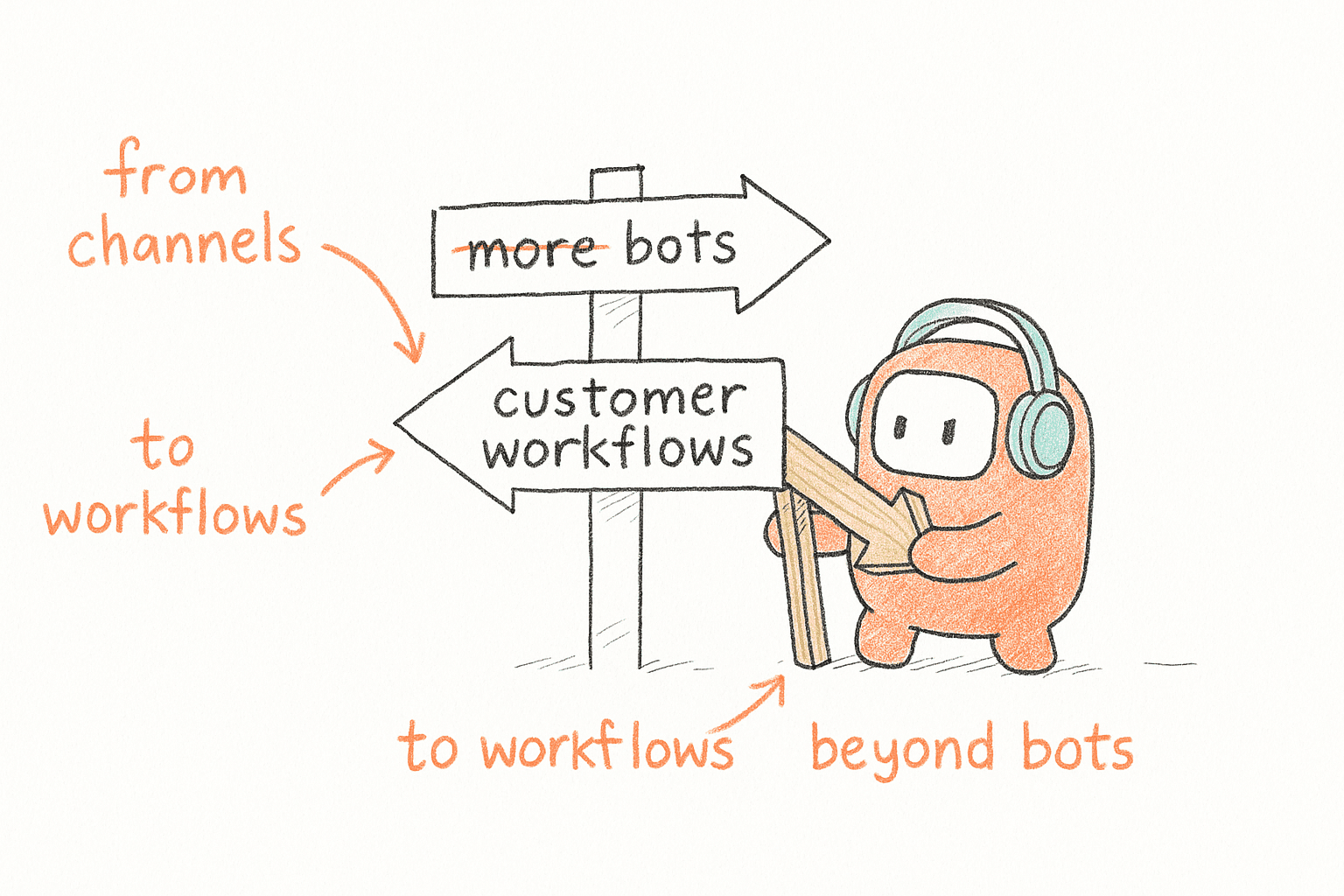
Why Customer Service Automation Trends Point Beyond Bots

The Bot Layer Is Becoming the New Fragmentation
Chatbots on top of support made sense when the goal was simple deflection: answer common questions, reduce repetitive tickets, give customers something faster than a queue. For small teams, that still has value. No need to overcomplicate it.
Enterprise teams hit a different wall. A Head of CX opens her dashboard at 8:15 AM Monday and sees 400 open conversations across chat, email, voice, and messaging. The chat tool says the customer already asked for help at 11:47 PM Sunday. The call center shows a missed call at 6:02 AM. The CRM has no useful update. The outbound team has already sent a follow-up SMS that morning. Nobody did anything wrong. The system just split one customer problem into four operational records, and now an agent will spend 12 minutes reconstructing the story before she can even respond.
That reconstruction work is the hidden tax. The agent rebuilds context. The manager reconciles reports. The customer repeats themselves. Automation looks modern on the surface, but the human team still carries the operational debt. Honestly, that is where it starts to feel fake.
A useful diagnostic: pick 10 customer conversations from last week and trace every system touched before the issue closed. If the median conversation touched more than 3 tools, the automation problem is not your bot quality. It is the operating layer underneath it. Three tools is the threshold where context loss starts to outpace deflection gains.
The Real Shift Is From Channels to Customer Workflows
Customer service automation used to be organized by channel. Voice lived with the call center. Chat lived with support. SMS lived with marketing or collections. Email lived in the helpdesk. Each team optimized its own lane, and the customer carried the burden of moving across them.
That model breaks the moment AI enters the operation. AI needs shared context to make good decisions — the same knowledge human agents use, the same routing logic managers trust, the same rules that govern outbound contact. Without it, every channel becomes a separate automation island. You get faster fragments, not better service.
The workflow lens changes the question. Instead of asking, "Can AI answer this customer?" ask, "Can AI move this customer to the next correct state?" That state might be a resolved support request, a booked appointment, a qualified lead, a payment reminder sent inside the right contact window, or an escalation to a human with the full thread intact.
If the answer is no, the system is still answering questions. It is not running customer operations. So which trends actually push toward that operations layer?
Six Customer Service Automation Trends Changing Customer Operations
The customer service automation trends that matter most are the ones that reduce operational drag. They change how work moves between AI, humans, channels, and systems of record. The pattern is clear: companies are moving away from isolated automation and toward shared customer operations infrastructure.
1. AI Is Being Judged by Completed Work, Not Conversation Quality
A natural answer is useful, but it is no longer enough. Customers do not care whether the AI produced a well-worded response if the refund still needs manual review, the lead still waits in the CRM, or the collections follow-up never happens. The business does not care either. The real unit of value is completed work.
Apply a stricter test before approving any customer service automation project. For each target workflow, write down the final action that proves the job is done. "Answered the question" is too weak for most enterprise use cases. Better answers look like "updated the ticket status," "sent the approved follow-up," "routed the qualified lead," "scheduled the callback," or "escalated with history attached."
The threshold I prefer is 70%. If automation cannot complete at least 70% of the steps inside a repeatable workflow without forcing a human to rebuild context, treat it as a support assistant rather than an operations system. That is not an insult. Assistants are useful. You just should not fund them like infrastructure.
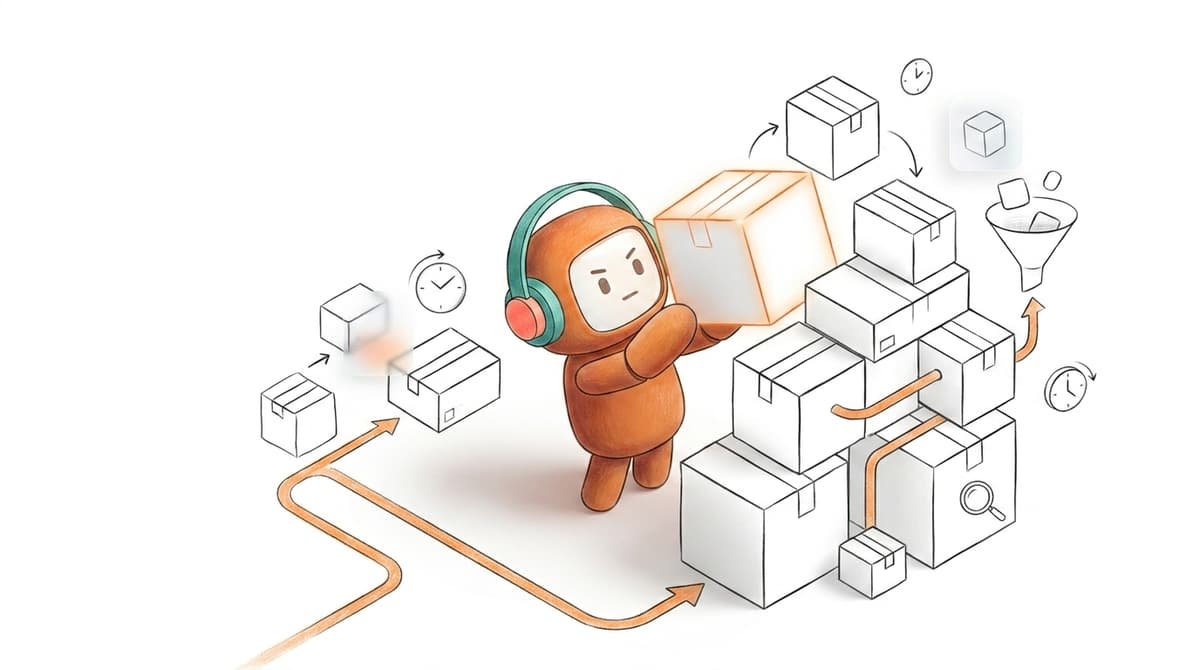
Before and after should be visible in the process map. Before: a customer asks about order status, AI replies, an agent later checks the system, then another tool sends the message. After: AI identifies intent, uses approved knowledge, updates the conversation record, sends the right response, and flags the case if an exception appears. The answer matters. The action matters more.
2. Human Plus AI Workflows Are Replacing the Replacement Story
The replacement story was always too neat. AI handles everything, agents disappear, costs drop, dashboard looks clean. Real customer operations do not work like that. Some conversations need empathy, judgment, exception handling, negotiation, or a manager's approval.
A better model assigns work by decision type. AI handles repeatable steps with clear rules and approved knowledge. Humans handle edge cases, customer emotion, risk, and anything that requires discretion. We do not replace your team. We take the repetitive 70% so your people can own the 30% that actually needs a human.
A practical rule: automate the task only when the next action can be defined before the conversation starts. Password reset, appointment confirmation, lead qualification, payment reminder, order lookup, policy explanation — usually qualify. Cancellation dispute, hardship request, fraud concern, angry VIP customer, unclear account ownership — usually need a human path.
The mistake is building the AI path first and adding escalation later. Escalation is not a backup plan. It is part of the design. If a customer moves from AI to a person, the human agent should inherit the thread, customer profile, prior answers, attempted actions, and reason for escalation. Without that, AI becomes another queue.
3. Outbound Is Moving Into the Same Operations Layer
Outbound used to sit apart from service. Sales used a dialer. Collections used a campaign tool. Support used a helpdesk. Marketing owned email. The customer did not experience those as separate departments. They experienced one company contacting them repeatedly with different levels of context.
Follow-up is part of the service journey. A missed payment reminder, dropped application, renewal nudge, appointment confirmation, or lead response all depends on the same things inbound depends on: customer history, consent rules, channel preference, routing, and handoff. Split those across tools and you invite waste.
The decision rule is direct. If outbound contact can trigger an inbound response, it belongs inside the same operational view as support. A payment reminder can become a dispute. A sales follow-up can become a support question. A re-engagement message can become a complaint or a booking. Treating outbound as a separate blast function misses what happens after the customer answers.
A US revenue team handling inbound website leads faces the same logic. EagleView needed outbound lead engagement and website lead capture flows tied into its sales process. The lesson is not that every company needs the same workflow. The lesson is that speed-to-lead loses value when outreach and customer context live apart.
4. Knowledge Quality Is Becoming an Automation Bottleneck
Bad knowledge turns good AI into a risk. Stale, scattered knowledge or content written only for humans forces automation to guess around gaps. That is how teams get confident wrong answers, inconsistent policy language, and agents who stop trusting the system.
Run a 30-minute knowledge audit before adding another automation use case. Pull the top 20 customer questions from the last month. For each one, check four things: does the approved answer exist, is it current, does it include exceptions, and would a human agent use the same wording? If more than 5 of the 20 fail, the next investment should be knowledge cleanup, not more automation. The ratio matters — 5 out of 20 is the point where AI starts producing more cleanup work than it removes.
Worth saying plainly: knowledge work is boring. It does not demo well. It lacks the drama of a voice agent handling a live call. It is also the foundation that decides whether automation can be trusted in production. Teams that skip this step pay for it later in reviews, escalations, and manual overrides.
A before and after contrast makes the point. Before: the AI pulls from a public FAQ, the agent uses an internal policy doc, the manager corrects both after complaints. After: AI and humans work from the same approved knowledge, corrections feed back into the system, and policy changes land in one place before customers hear the wrong answer.
5. Regulated Teams Are Asking for Control Before Volume
Regulated teams are not anti-automation. They are anti-vague automation. A bank, lender, insurer, or collections team cannot approve a system just because it sounds good in a demo. They need contact rules, approval paths, data control, auditability, and clear human ownership.
The useful threshold here is reviewability. If a compliance lead cannot inspect what the AI said, why it said it, which rule allowed the contact, and when a human approved or changed the message, the workflow is not ready for sensitive use. That applies to outbound as much as support. Maybe more.
SEA BFSI teams show the point clearly. VIB had used an incumbent system for 3 years before switching to a stronger text and voice setup for customer operations, including an on-prem production deployment and a live voice campaign for dropped-off credit card applications. The verified 75% auto-resolution outcome belongs to that VIB voice deployment only. It should not be treated as a generic benchmark.
Control has a cost. Deployment may require more review, more infrastructure planning, and more internal sign-off than a lightweight support widget. That is a real tradeoff. The point still holds because regulated customer operations cannot afford automation that works only until the first off-script moment.
6. Pricing Models Are Being Scrutinized Like Architecture
Automation pricing used to be a procurement detail. Now it shapes operating behavior. Pay per attempted call, per minute, or by messy seat math and managers start optimizing around the pricing model instead of the customer workflow. The tool ends up dictating the operation rather than serving it.
A better pricing review starts with three questions. What counts as usage? Do failed contacts count? Does the model punish the team for using the right channel mix? If procurement cannot answer those questions in one page, the pricing model will create friction later.
For customer service automation trends, this matters because automation volume is uneven. Outbound campaigns have failed connections. Support has spikes. Messaging can involve short exchanges or long threads. Voice may be right for one workflow and wrong for another. Pricing that ignores those differences can make a technically good system painful to run.
The practical rule: align cost to meaningful customer reach or completed operational value, not noise. A failed connection is not the same as a reached customer. A channel switch is not the same as a new relationship. If your team is trying to consolidate customer work across support and revenue, book a demo to see how a reached-customer model changes the operating math.
How Revve Runs Customer Operations Workflows
Revve fits the customer service automation trends that matter because it treats automation as customer operations infrastructure. It brings AI agents, human agents, knowledge, inbox, call center activity, and outbound workflows into one platform. The goal is not another bot. The goal is one place where customer work gets done.
One Workspace for AI and Human Agents
Revve gives AI agents and human agents a shared workspace for the same customer conversations. The common failure mode in automation is not the first answer. The failure happens when the AI reaches its limit and the customer has to start over with a person.
In Revve, conversations from inbound and outbound channels flow into one operating environment. When AI handles a conversation, the activity is logged in the same record a human agent can use later. If escalation is needed, the human sees the thread, context, summary, and suggested next steps. No separate bot console. No mystery handoff.
Revve also supports an omnichannel inbox across channels such as voice, chat, SMS, WhatsApp, email, Messenger, Zalo, web chat, app chat, LINE, Instagram, and LinkedIn. Native channel behavior still matters, but the internal team works from one customer thread. That is the architecture shift behind modern service automation.
Knowledge, Routing, and Outbound in the Same System
Revve's AI automation is grounded in a shared knowledge base built from uploaded documents, crawled websites, and curated FAQs. The AI identifies intent, retrieves approved knowledge, and works inside defined escalation boundaries. Human teams use the same operational knowledge, so corrections do not disappear into a separate training process.
The platform also supports outbound orchestration for multi-step campaigns across calls, SMS, WhatsApp, messaging apps, and email. Teams define the sequence, timing, exit conditions, and rules. Contacts can be enrolled through CRM sync or CSV import, and touchpoints remain tied to the customer record rather than behaving like disconnected blasts.
Because Revve keeps automation, routing, and human follow-up in the same system, teams can manage service and outreach without stitching together separate tools for every step.
What To Do Before Adding More Automation
Customer service automation trends are useful only if they change your buying process. Do not start with the channel. Start with the work: what must be answered, routed, logged, followed up, escalated, qualified, collected, or handed to a person. Once that is clear, the right automation architecture becomes much easier to see.
Run the 10-conversation trace. Count the tools. Find the broken handoffs. Check the top 20 knowledge gaps. Mark every workflow where outbound can trigger inbound. Then decide whether you need another AI add-on or a customer operations layer where humans and AI can work from the same context.
Revve is built for enterprise teams with enough conversation volume and operational complexity to justify that shift. It is not for teams that only need a small FAQ widget or a cheap blast tool. For teams running support and revenue workflows across voice, chat, SMS, messaging, and outbound, the future of customer service automation is not more disconnected AI. It is one operating layer for the work.