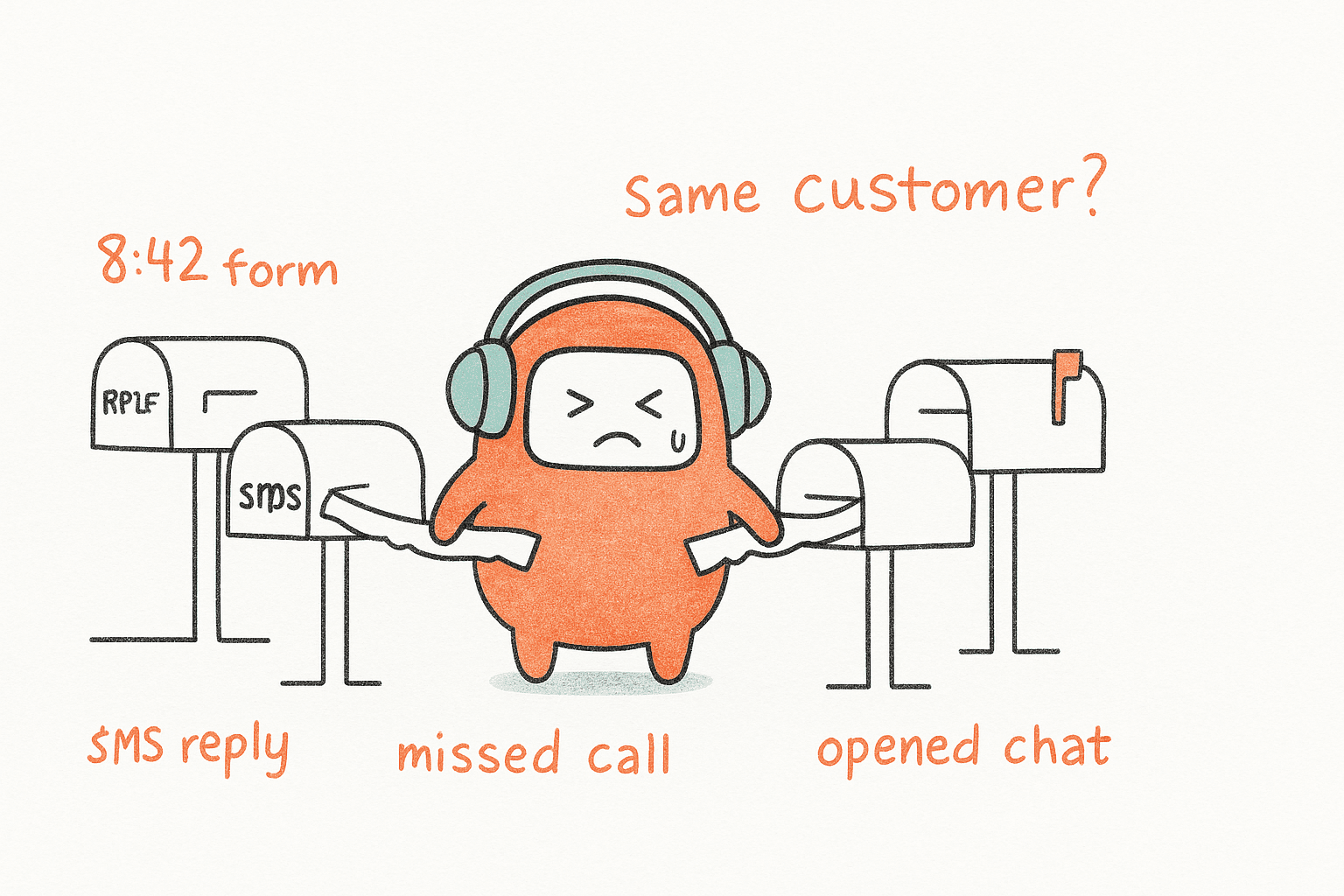
A demo request at 8:42 AM should not become three disconnected conversations by lunch. The buyer fills out a form, replies to an SMS, misses a call, and then opens chat because nobody confirmed the next step. For B2B teams, omnichannel is the difference between one customer thread and a handoff that loses revenue before sales even sees the context.
B2B teams need omnichannel because customers already behave that way. They don't care which queue owns the conversation. They care whether your team remembers the context, follows up fast, and gives the same answer across voice, chat, SMS, email, and messaging. The risk isn't just slow support. It's missed revenue, repeated questions, messy handoffs, and a team that looks busy while customers slip through the cracks.
Key Takeaways:
- B2B teams need omnichannel when customer conversations move across channels faster than internal teams can track them.
- The real problem isn't channel count. It's split context, split ownership, and tools that don't share the same workflow.
- Inbound support and outbound follow-up should sit in the same operating model, not in separate systems.
- Operations teams need no-code control over scripts, routing, campaigns, and escalation rules.
- Pricing should reflect reached customers and real engagement, not failed connection attempts or confusing per-minute math.
Why B2B Omnichannel Breaks When Tools Stay Separate

The Channel Count Is Not the Real Problem
Most CX teams don't fail because they have too many channels. They fail because every channel becomes its own little kingdom. Voice sits with the contact center, chat sits with support, SMS sits with marketing or revenue ops, and outbound follow-up gets pushed into a dialer nobody else can see. Sounds familiar?
The issue isn't that customers use five ways to reach you. That's normal now. It's that your team treats those five channels as five separate workflows. A customer asks about an invoice on chat at 9:30 AM, gets a callback from sales at 11:15, replies to an SMS reminder over lunch, then opens a ticket at 2:40 because nobody connected the dots. On the inside, everyone did their job. From the customer's side, the company forgot them three times.
A fragmented setup can look fine in dashboards because each tool reports its own slice. Chat response time may be healthy, call abandonment may be acceptable, email backlog may be stable. The hidden cost is the space between those reports, where ownership breaks and follow-up depends on a person remembering to check another system. A useful diagnostic: if you cannot answer "what happened to this customer between Tuesday and Thursday" in under 5 minutes without opening 3 tools, your channel dashboards are hiding the truth.
Outbound Is Half the Customer Operations Problem
A platform that only resolves support tickets is missing half the customer operations problem. Outreach, follow-up, qualification, and recovery matter too. For many B2B teams, the money is not only in answering inbound questions. It's in calling back the lead before they cool off, reminding the customer before the account becomes overdue, and re-engaging someone who dropped out of a workflow.
Inbound-only AI sounds neat because it solves the visible queue. I get the appeal. Support leaders can point to fewer repetitive questions and faster first response. That is a fair short-term win. The harder operational question is what happens after the first answer. Does the system route the customer? Does it log the outcome? Does it follow up on the right channel? Does it hand off to a person with context? If the answer to two or more of those is no, you have an inbound tool pretending to be a customer operations layer.
EagleView in the US market is a useful example because the need was not just support deflection. The team needed outbound lead engagement and website lead capture flows tied into its sales process. Support automation alone would have solved a fraction of the workload. The broader lesson isn't that every company needs the same motion. It's that customer operations often crosses support and revenue long before the org chart catches up, and the tooling has to catch up with it.
The Cost Shows Up as Manual Coordination
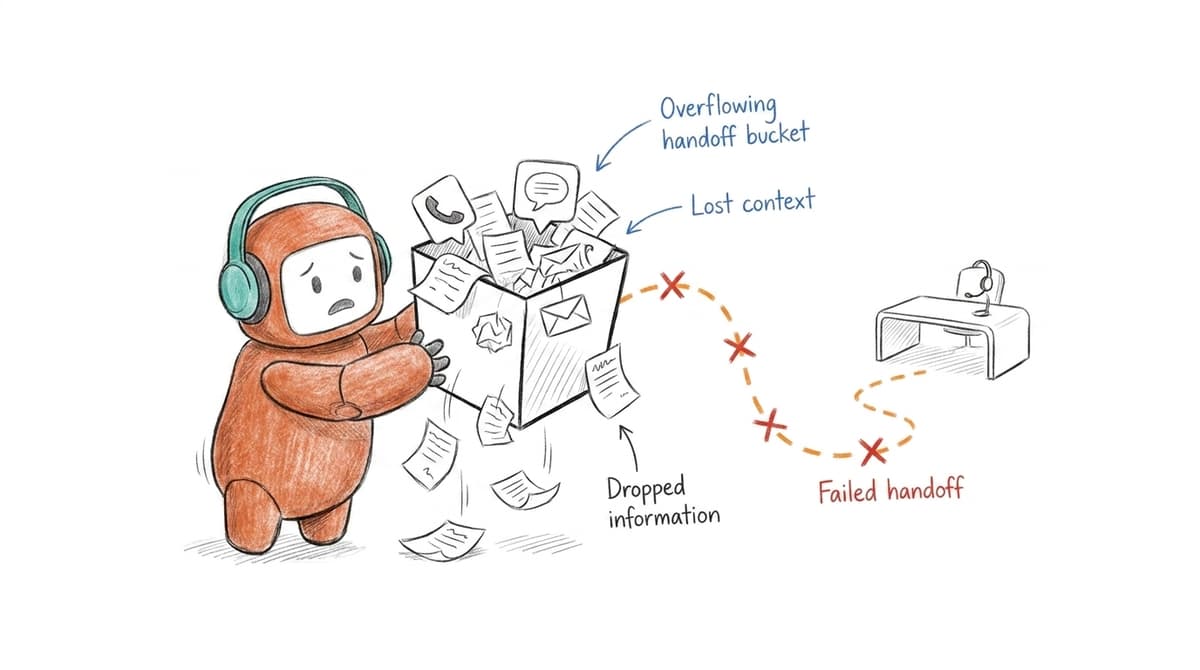
Fragmented omnichannel costs your team time because humans become the integration layer. Someone checks the inbox, someone copies notes into the CRM, someone asks whether the SMS was sent, someone reviews the call transcript if it exists. The work doesn't disappear. It hides inside handoffs, and it usually surfaces at the worst possible moment.
Picture a support lead at 4:45 PM trying to understand why a high-value account is upset. The customer chatted in the morning, missed a callback after lunch, replied to an email with new information, then called again from a different number. The agent opens three tabs, asks revenue ops for the outbound history, and still has to ask the customer to repeat the problem. Nobody wanted to create that experience. The stack created it for them.
That's why B2B teams need omnichannel as an operating model, not a channel checklist. Adding WhatsApp, SMS, voice, or chat without shared context is like passing a paper folder around a crowded office where each person writes one note but no one owns the full case. After enough handoffs, the folder still exists, but the decision is late. The channel count grew. The customer experience did not.
How to Build Customer Operations Around Every Channel
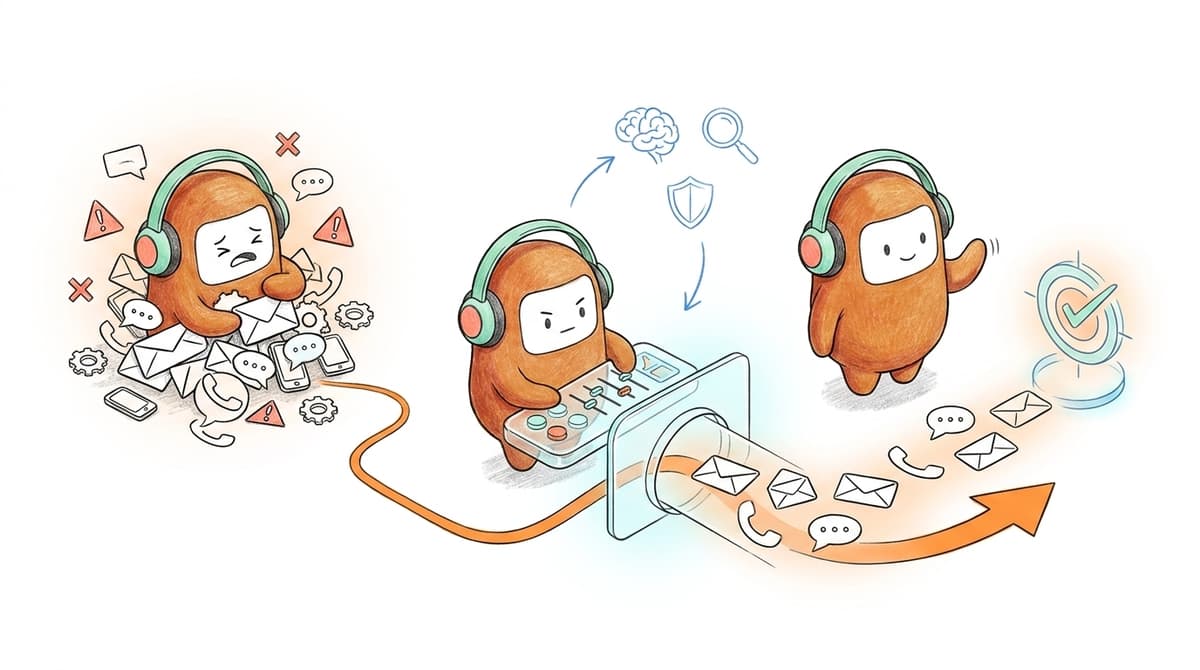
B2B teams need omnichannel operations that share context, knowledge, routing, and follow-up across inbound and outbound work. The better model starts with the customer thread, not the channel. Once the thread is unified, AI and humans can divide work without losing the conversation.
Diagnose Whether You Have a Channel Problem or an Operating Problem
Before buying another tool, run this test. Pick 10 recent customer conversations that crossed at least two channels, then trace what happened from first touch to final action. If you can't reconstruct the timeline in under 10 minutes per customer, your issue is not the channel mix. It's the operating layer.
Look for four signals. First, customers repeat information after switching channels. Second, agents ask another team for context before responding. Third, outbound follow-up is reported separately from inbound support. Fourth, workflow changes require engineering, vendor tickets, or someone editing logic in multiple systems. One or two signals means you have friction. Three or four means your omnichannel setup is mostly cosmetic.
A useful threshold: if more than 20% of cross-channel conversations require manual reconstruction, stop adding channels until you fix shared context. Honestly, this is where many teams go wrong. They launch another messaging option because customers asked for it, but the internal workflow gets harder, not better. More channels without shared operations just creates more places to lose the customer.
Start With One Customer Thread
A real omnichannel model starts with one customer thread across channels. Voice, chat, SMS, email, WhatsApp, Zalo, Messenger, or web chat can all matter depending on your market. The core idea is not universal channel coverage. It's continuity: one customer, one history, one operating record.
Before approving any omnichannel program, ask three questions. Can an agent see what happened before the current message? Can AI use the same approved knowledge as the human team? Can outbound follow-up use the prior conversation instead of starting from zero? If the answer is no, the channel is not part of operations. It's just another inbox with a nicer logo.
Some teams prefer to keep their existing helpdesk and add channel-specific tools around it. That can work for lower-volume teams or for a narrow support-only use case, and I would not talk anyone out of it if their volume is genuinely small. The tradeoff arrives when the same customer moves between service, sales, billing, and follow-up. At that point, the helpdesk is no longer the full picture, and B2B teams need omnichannel customer operations that can carry the full conversation.
A good customer thread should include:
- Conversation history across supported channels
- Contact identity and basic customer context
- AI actions, human actions, and handoff notes
- Routing decisions and escalation reason
- Follow-up status and final outcome
Put Inbound and Outbound in the Same Workflow
Inbound and outbound should not be treated as separate planets. A customer request often creates an outbound step: call them back, send a payment reminder, confirm an appointment, qualify the lead, or follow up after no response. When that work happens in another tool, the customer thread breaks right when action is needed most.
The better approach is to define workflows by customer outcome, not channel direction. A lead workflow may start with a form, move to SMS, trigger an AI call, and end with sales routing. A collections workflow may start with an outbound reminder, move to a customer reply on messaging, and then escalate to a human. A support workflow may begin on chat but require voice when the issue becomes sensitive. Different paths, same operating logic.
A practical rule: if a workflow includes both a reply and a next action, keep it in one system of work. When your team answers in one platform and follows up in another, you are asking people to remember what software should remember. That mistake costs hours, and it usually shows up as inconsistent customer experience before it shows up in a dashboard.
For teams evaluating the shift from channel tools to shared operations, the cleanest next step is to map one live workflow and see where context drops. If that exercise exposes broken handoffs between inbound, outbound, AI, and human agents, book a demo to see what the operating model can look like when those steps live together.
Give Operations Teams No-Code Control
Operations teams need direct control over scripts, routing, campaigns, tone, and escalation rules. If every small change requires engineering or a vendor ticket, your omnichannel system will lag behind the business. Customers change behavior faster than implementation queues move. We all know this.
A no-code control layer matters because customer operations is never finished. Qualification criteria change after a bad lead batch. Collections language changes after compliance review. Support escalation rules change after a product incident. A script that worked last month may sound wrong after a policy update. When those changes take two weeks, your team spends two weeks operating from old rules.
There is a real counterpoint here. IT should still own integrations, infrastructure, permissions, and risk controls. No serious enterprise wants operations users changing production systems without guardrails, and pretending otherwise is how compliance incidents happen. The point is not to remove technical teams from the process. It's to stop using engineering time for daily workflow edits that trained operations managers can safely own with previews, tests, and rollback paths.
A strong control model includes: draft changes in a non-production state, test against common scenarios and edge cases, review sensitive messages before launch, publish with owner, timestamp, and change history, and roll back if outcomes move in the wrong direction.
Build Escalation Around Judgment, Not Failure
Escalation should not mean the AI failed. It should mean the conversation reached a point where human judgment is the better tool. Negative sentiment, unresolved intent, high-value customer status, sensitive language, payment negotiation, cancellation risk, or policy exceptions can all be valid reasons to hand off.
B2B teams need omnichannel escalation because customers don't stay inside one channel when they get frustrated. They call after a bad chat. They reply to an email after missing a call. They send a short SMS that makes no sense unless you saw the earlier ticket. If the human agent receives only the last message, the handoff is broken before it begins.
The operational test is simple: an escalated agent should be able to respond without asking the customer to restart the story. To make that happen, the handoff needs the full thread, a short summary, prior AI actions, relevant customer details, and suggested next steps. Not a transcript dump. Not a vague tag. Real context.
Measure Outcomes Across the Whole Conversation
Channel metrics are useful, but they can lie by omission. A chat team can hit response goals while sales follow-up misses the window. A call center can show low wait times while SMS reminders create confusion. A campaign can show high send volume while right-party contact stays low. The numbers look clean because the workflow is split.
Measure the complete conversation instead. For lead qualification, track time from lead arrival to first meaningful response, then to routed opportunity or booking. For support, track first response, resolution path, escalation quality, and repeat contact. For collections or reminders, track contact rate, right-party contact, promise-to-pay, opt-out handling, and human handoff. The metric should follow the customer, not the software category.
One rule I like: if a report can't show what happened before and after a handoff, don't use it to judge customer operations. You can still keep channel-level dashboards for supervisors. Just don't mistake them for the truth. Omnichannel for B2B teams only works when reporting follows the workflow across channels.
How Revve Runs One Customer Operations Layer
Revve gives enterprise teams one customer operations platform for voice, chat, SMS, messaging, inbound support, outbound engagement, and human handoff. The platform is built around shared context and workflow execution, so teams can manage more conversations without stitching separate tools together.
Shared Workspace for AI and Human Agents
Revve brings AI agents and human agents into the same workspace, so customer conversations don't disappear into separate bot logs and agent queues. Inbound and outbound activity can flow into one operating environment, with conversation history preserved when a person needs to step in. That matters because the handoff is where most fragmented systems fail.
The same platform also supports omnichannel conversation management across voice, chat, SMS, WhatsApp, email, Messenger, Zalo, web chat, app chat, LINE, Instagram, and LinkedIn where configured for the use case. Revve does not mean every customer starts with every channel. It means the channels you use can be tied to one customer thread instead of becoming separate islands.
Revve's knowledge-grounded AI automation gives both AI and human teams the same approved source of answers. Teams load documents, websites, and FAQs, then the AI retrieves relevant content during conversations and escalates when it reaches a defined boundary. That is a big difference from a generic bot that answers from loose prompts and leaves humans to clean up the mess.
No-Code Workflows, Outbound Control, and Compliance Governance
Revve's no-code configuration, testing, and rollback tools let operations teams adjust scripts, routing, tone, scenarios, outbound sequences, and escalation rules without routing every daily change through engineering. IT still matters for setup, integrations, and infrastructure. The day-to-day workflow control belongs closer to the people running customer operations.
Revve also includes outbound orchestration, so teams can build multi-step outreach across calls, SMS, WhatsApp, messaging apps, and email from the same customer operations layer. Contacts can be enrolled through CRM sync or CSV import, and touchpoints can follow configured timing, rules, and exit conditions. Compliance controls and approval workflows can check configured rules such as consent status, local time windows, DNC restrictions, and opt-out requirements before sensitive activity goes out.
What B2B Omnichannel Should Mean Now
B2B omnichannel should mean one operating layer for customer conversations, not a pile of channel tools. The winning model connects knowledge, routing, AI work, human judgment, outbound follow-up, and reporting around the customer thread. Anything less leaves your team managing the gaps manually.
Not every company needs this. If you're under 20 seats, handling low volume, or only need a simple FAQ bot, a point tool may be cheaper and faster. If you only need inbound support automation inside an existing helpdesk, a narrower AI add-on can be valid. Once support, revenue, outreach, reminders, qualification, and escalation start crossing channels, the old stack starts to cost more than it saves.
B2B teams need omnichannel because customers already operate across channels. Your systems have to catch up. Revve is built for that shift: one customer operations platform where AI and humans share context, use the same knowledge, and run the work across inbound and outbound without turning every update into another vendor ticket.