You don't fix a five-tool support stack by adding a sixth AI bot. The real question is how support managers improve response time, ticket cost, and coverage when every customer conversation is split across a helpdesk, chat widget, voice vendor, SMS tool, and reporting dashboard.
Most AI customer service projects fail before the model ever answers a customer. Not because the AI is weak. Because the operation underneath it is broken. A bot sitting on top of disconnected systems inherits every missing field, stale knowledge article, routing gap, and channel handoff your team already hates.
Support improvement is not a chatbot project. It is an operating model problem.
Key Takeaways:
- Support managers improve faster when they audit handoffs before buying another AI tool.
- The real cost of tool sprawl is not just software spend. It is lost context, slow escalations, and duplicate work.
- Automation should be assigned by risk level, not by channel.
- A knowledge base should be treated as production infrastructure, not a content folder.
- Escalation rules need to be written before volume rises, not after customers start complaining.
- One runtime for AI and human agents gives support leaders cleaner metrics and fewer operational blind spots.
Why Support Managers Lose Control Across Fragmented Tools

The Five-Tool Stack Creates One Broken Customer Story
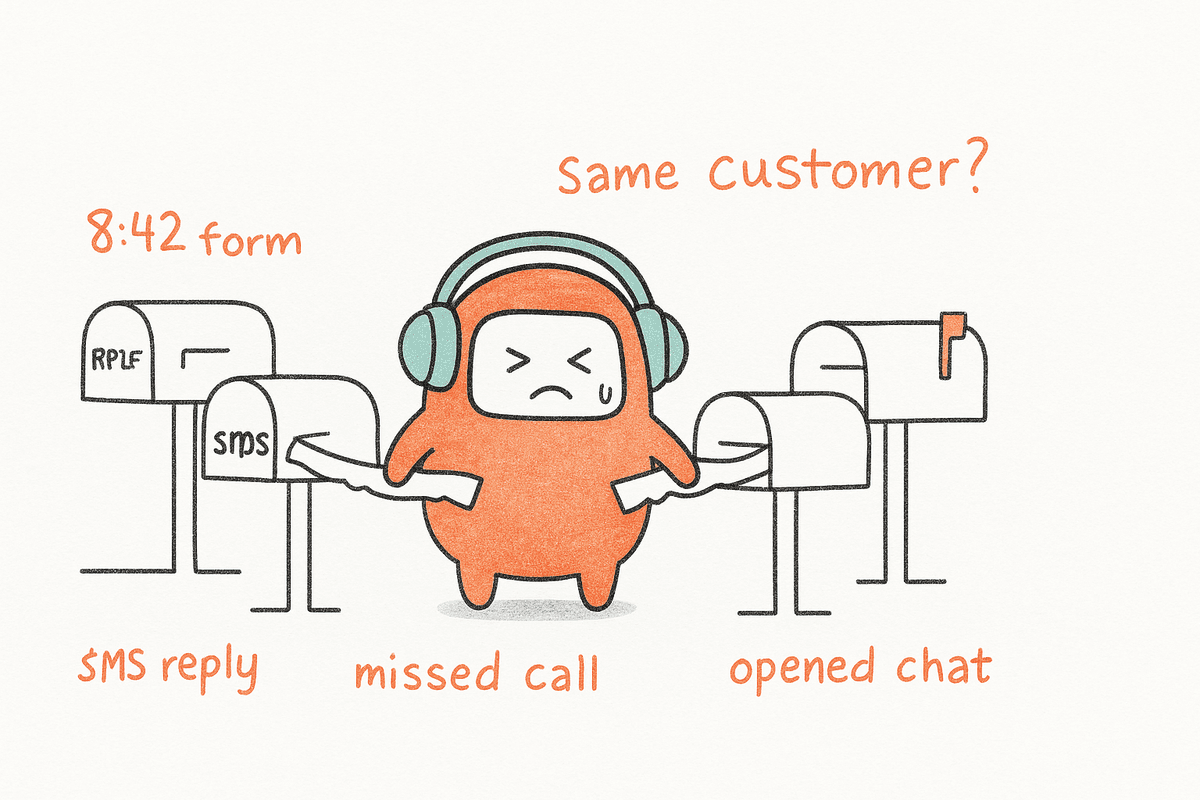
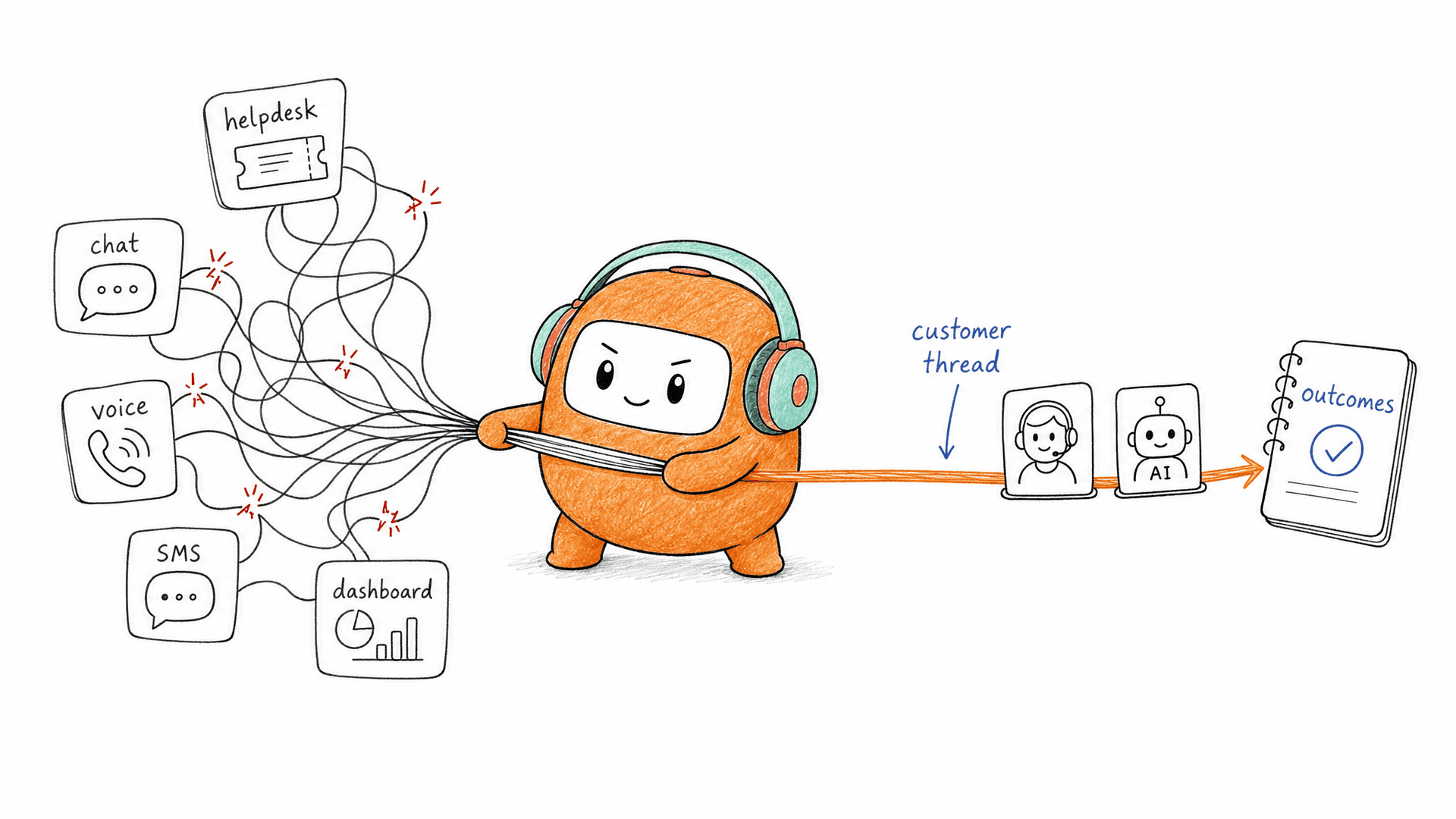
A fragmented support stack looks manageable on a vendor map. Helpdesk on the left. Chatbot beside it. Voice vendor below. SMS tool somewhere else. BI dashboard at the end, usually owned by somebody who does not sit with the support team. On paper, every tool has a job. In practice, nobody owns the full customer story.
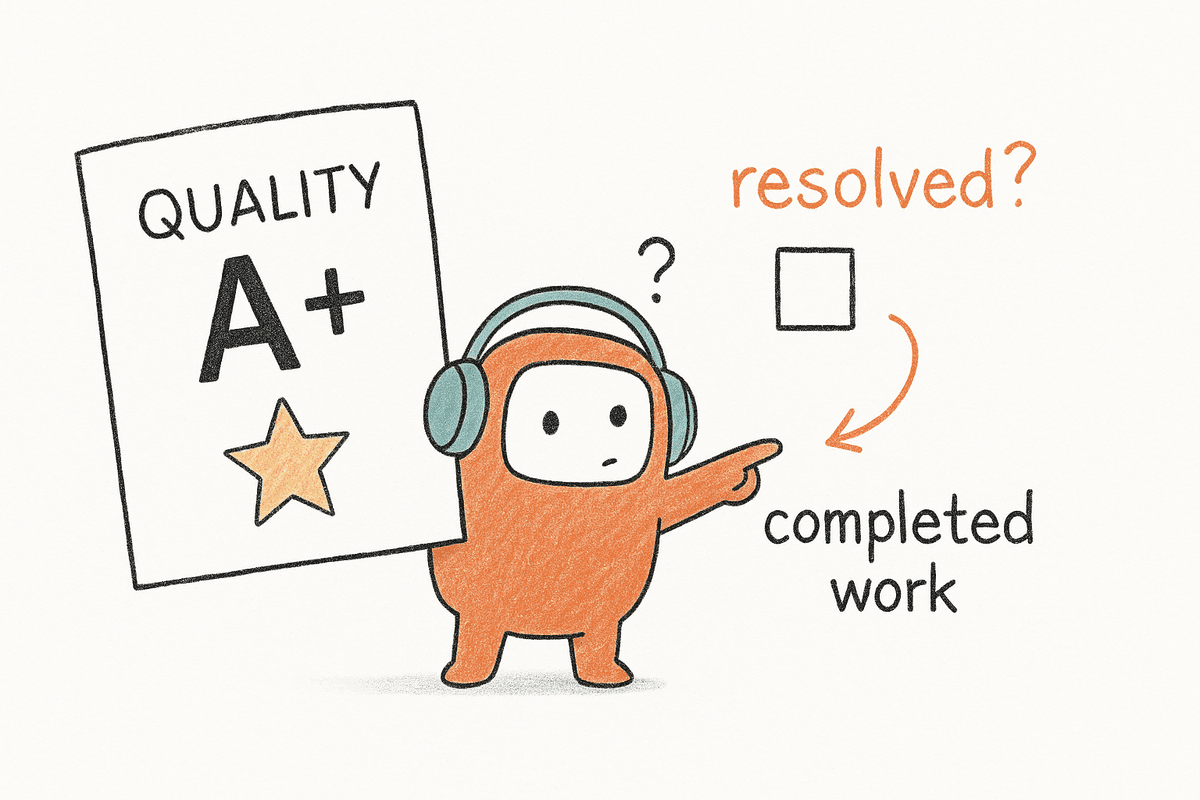
Picture a Head of CX opening the Monday queue at 8:12 AM. The chatbot says the issue was resolved. The helpdesk says the ticket is still open. The call recording lives in a separate voice tool, and the SMS follow-up never made it into the customer record. By 8:25, an agent is asking the customer to explain everything again. That is how support managers improve nothing while everyone still looks busy.
The hidden cost is managerial fog. You cannot coach agents from partial context. You cannot judge automation quality from a dashboard that arrives a day late. You cannot protect CSAT when every channel has its own version of the truth. Fragmentation is not an integration problem first. It is an accountability problem.
AI Bolted Onto Bad Workflows Repeats the Same Mistakes Faster
AI customer service tools often promise faster replies, but speed only matters when the reply is grounded in the right context. If a bot pulls from stale FAQs, misses the prior call, or fails to see that the customer already rejected a suggested fix, it creates a faster bad experience. I think this is why so many AI support pilots look good in demos and weak in production.
Research backs the pressure. The Zendesk CX Trends report shows customers expect faster, more personal service across channels, not just another automated answer. Support managers feel that gap every day. Customers do not care which system owns chat versus voice. They care whether the company remembers them.
There is a fair argument for point tools. The best single-purpose vendors can be very good at one workflow, especially for a team solving one narrow problem. The issue starts when the support leader has to make six tools behave like one operation. That burden always lands on the manager, not the vendor slide.
The Real Bottleneck Is the Handoff
The most damaging support failure is not the first answer. It is the handoff after the first answer fails. When AI cannot resolve an issue, the customer should move to a human with history, intent, prior attempts, and suggested next steps already visible. Too often, the handoff becomes a reset button.
That reset costs more than time. It burns customer patience. It makes agents sound unprepared. It turns a solvable service issue into proof that the company does not know what is happening inside its own operation. We have all heard that voice from a customer: “I already told you this.” Nobody wants to be on the receiving end of that sentence.
The support manager’s job is not to add more automation. The job is to decide where automation belongs, where humans must stay close, and how context survives the move between them.
How Support Managers Improve Response, Cost, and Coverage
Support managers improve response, cost, and coverage by redesigning the operating model before adding automation. The practical sequence is simple: map handoffs, divide work by risk, fix knowledge quality, define escalation triggers, and measure every channel as one queue. That order matters.
Audit the Handoff Map Before Buying Another Tool
Start with the handoff map, not the vendor list. Pull 50 recent customer conversations that crossed more than one channel or moved from AI to a human. Follow each one from first contact to final resolution, and mark every place where context had to be rebuilt manually. If more than 20% of sampled conversations require agents to reopen another tool to understand the issue, the support operation is paying a hidden tax.
The audit should be brutally plain. Who saw the first message? Where did the call summary go? Which system owned the customer record? What did the human agent see at takeover? The answers usually expose the real mess. Not always, but often. A support team may think it has a ticket backlog problem, while the real issue is that agents spend the first two minutes of every conversation doing detective work.
Use this diagnostic before approving any new automation budget:
- Count channel jumps: Mark every time a customer moves between chat, email, voice, SMS, or messaging.
- Count context rebuilds: Flag every moment where an agent has to ask for information already provided.
- Count reporting gaps: Identify which outcomes cannot be tied back to the full customer thread.
- Count owner changes: Track how many teams or systems touch the same case.
- Count dead ends: Note where AI gives up without a useful human handoff.
If the same conversation touches three or more systems before resolution, do not start with another bot. Start by removing the handoff break.
Divide Support Work by Risk, Not Channel
Channel-based automation is the old mistake. Voice gets one automation plan. Chat gets another. Email gets another. The customer does not experience the company that way, and the support manager should not manage it that way. A password reset in voice is still low-risk. A billing dispute in chat may need a human. The channel is not the decision rule.
A better rule is risk. Low-risk, repeatable work should be automated first. Medium-risk work can use AI with human review or fast escalation. High-risk work belongs with trained agents, supported by summaries, suggested replies, and complete history. This is where the 70/30 idea is useful as a planning lens, not a universal promise: automate the repetitive majority so people can own the cases that need judgment.
The practical split looks like this:
- Low risk: Order status, policy lookup, appointment reminders, basic account questions.
- Medium risk: Plan changes, refund requests, failed payments, multi-step troubleshooting.
- High risk: Escalated complaints, retention saves, legal sensitivity, vulnerable customer situations.
If a workflow requires empathy, negotiation, exception approval, or compliance judgment, keep a human close. Automation should remove repetition. It should not pretend judgment is just another script branch.
Treat the Knowledge Base Like Production Infrastructure
A weak knowledge base makes every AI project look worse than it is. Support managers often treat knowledge as documentation, something updated when someone has time. That is backwards. For AI and agents, knowledge is the operating material. Bad knowledge creates bad answers, longer tickets, and more escalations.
A useful threshold: if more than 10% of unresolved tickets point back to missing, outdated, or conflicting knowledge, pause automation expansion. Fix the knowledge layer first. I know that sounds slower, and it is. Still, skipping the fix creates a bigger delay later because every new automated workflow will multiply the same weak answers across more customers.
Run a weekly knowledge review with three inputs:
- No-answer cases: Questions the AI or agent could not answer from approved content.
- Contradiction cases: Topics where two articles say different things.
- Escalation cases: Conversations that moved to humans because the answer lacked enough detail.
- Policy-change cases: Areas where pricing, terms, coverage, or process changed recently.
The best support managers improve answer quality by connecting knowledge work to live customer failures. A knowledge article is not “done” because it was published. It is done when it prevents the next avoidable ticket.
Set Escalation Triggers Before Volume Rises
Escalation rules written after volume rises are usually emotional. A few angry customers complain, a leader reacts, and the team adds a vague rule that sends too much work back to humans. That can protect the short term, but it also weakens automation coverage. Better to set clear triggers before the queue gets hot.
Good escalation logic uses observable signals. Negative sentiment. Repeated failed intent detection. Long conversation duration. High-value account status. Sensitive keywords. Prior unresolved ticket. A customer asking for a person should also be respected, especially when the issue is already tense. The point is not to trap customers inside automation. The point is to make the handoff clean and predictable.
Use these rules as a starting point:
- Escalate after two failed attempts to resolve the same intent.
- Escalate immediately when the customer disputes policy, billing, eligibility, or safety.
- Escalate high-value accounts when the issue touches renewal, cancellation, or contract terms.
- Escalate sentiment drops when frustration rises across consecutive messages.
- Escalate long conversations when duration exceeds the normal range for that issue type.
Some teams prefer broad automation first, then tighten escalation later. That can work for low-risk retail questions. For enterprise support, I would rather start with tighter handoff rules and expand coverage once the data proves where AI performs well.
If you are ready to see how one runtime handles AI, human agents, and escalation logic together, you can book a demo.
Measure Customer Operations as One Queue
Support metrics fail when every channel reports separately. Chat says first response time improved. Voice says wait time rose. Email says backlog dropped. The support manager still cannot answer the executive question: did the customer get resolved faster at lower cost with a better experience? Separate dashboards make separate teams look successful while the customer journey remains broken.
One queue does not mean every channel behaves the same way. Voice has different timing than email. SMS has different consent rules than web chat. The management layer still needs one view of customer demand, AI containment, human workload, escalation rate, and final outcome. Otherwise, the team ends up managing tools instead of managing service.

Track these metrics together:
- Customer-level resolution time across every channel touch.
- Escalation quality, measured by whether the human received usable context.
- Repeat contact rate within 7 days for the same issue.
- Automation exit reason, not just automation rate.
- Agent time spent rebuilding context before taking action.
- Cost per resolved customer, not cost per ticket.
A US geospatial company like EagleView needed outbound lead engagement tied into its sales process, not another isolated calling tool. The lesson applies to support too. Once outreach, conversation history, and human follow-up live apart, managers lose the ability to see the full motion. Support managers improve faster when the queue reflects the customer journey, not the vendor stack.
The Salesforce State of Service report makes the same pressure visible from another angle: service teams are being asked to do more with AI, data, and automation while customer expectations keep rising. The answer is not more dashboards. The answer is cleaner operations underneath them.
How Revve Unifies Customer Operations
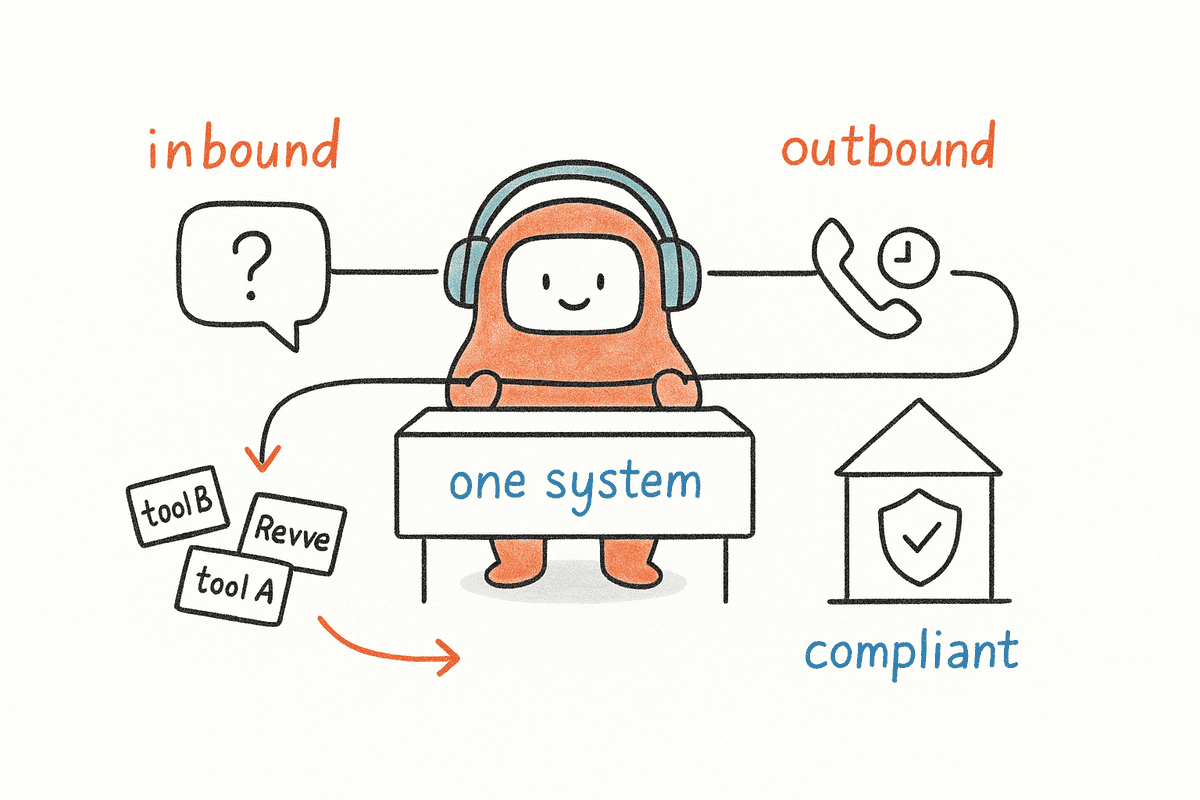
Revve unifies customer operations by putting AI agents and human agents inside the same operating layer. Voice, chat, SMS, email, and outbound workflows connect to one customer thread, so support leaders can reduce tool sprawl without losing human control.
One Workspace for AI and Human Agents
Revve is built for the handoff problem described earlier. AI agents and human agents work from the same conversation record, instead of splitting automation into one tool and live support into another. When a customer moves from AI to a person, the human agent gets the thread, summary, prior context, and suggested next steps in the same workspace.
That matters for support managers trying to improve first response time and ticket cost without asking customers to repeat themselves. Revve’s Unified AI and Human Workspace keeps routine automated conversations, live handoffs, approvals, and follow-up actions inside one operational layer. The Omnichannel Inbox brings voice, chat, SMS, WhatsApp, email, Messenger, Zalo, web chat, app chat, LINE, Instagram, and LinkedIn into a single threaded view where configured.
Revve is not just a chatbot, and it is not just a helpdesk. It is the customer operations runtime for the work around the conversation: routing, knowledge, escalation, approval, and human follow-up. That is the part most AI customer service tools skip because they only sit on top of the existing mess.
Grounded Automation With Control Where It Counts
Revve’s AI automation is grounded in approved knowledge from uploaded documents, crawled websites, and curated FAQs. During a conversation, the AI identifies intent, pulls from that knowledge, and answers within the topics and rules the business has configured. When the issue gets too sensitive, too complex, or too unclear, Smart Escalation and Full-Context Handoff move the conversation to a human.
Revve also supports no-code configuration, testing, and rollbacks, so operations teams can adjust scripts, routing, tone, and workflows without waiting on developers for every daily change. Compliance controls and approval workflows can check consent status, contact windows, DNC restrictions, opt-outs, and review requirements before sensitive messages go out. Humans stay in control where policy or judgment matters.
Revve supports both cloud and on-prem deployment, which gives teams flexibility based on security, infrastructure, and operational requirements. It also connects with CRM systems and other enterprise tools through integrations, APIs, webhooks, and data sync, so conversation history, outcomes, and follow-up actions do not get trapped inside a disconnected AI layer.
Support Managers Improve When the Runtime Gets Smaller
Support managers improve when they stop treating AI as a patch and start treating customer operations as one system. The work is not glamorous. Map the handoffs. Clean the knowledge. Set escalation rules. Measure the customer journey across every channel, not inside each tool.
Revve fits teams running thousands of conversations per month, where consolidation actually pays back. Smaller teams under 20 seats or low-volume teams under 5,000 monthly contacts may be better served by simpler tooling for now. For enterprise CX leaders, the bigger mistake is adding one more point product to a stack that already cannot tell one customer story.