Your support queue can look under control at 9 AM while the handoff to sales is already broken. A customer asks in chat, calls ten minutes later, then gets a follow-up SMS from a campaign nobody on the support floor can see. That gap is what B2B support leaders need to judge before buying another AI tool: can the system answer, route, follow up, and hand off without forcing the team to rebuild context by hand?
That gap is expensive. Support leaders aren't only asking, "Can AI answer this?" They are asking whether the system can route, log, follow up, escalate, and stay inside the workflow when the conversation stops being neat.
Key Takeaways:
- B2B support leaders should judge AI agents by workflow execution, not just voice quality or answer accuracy.
- The real problem is fragmented customer operations: ticketing, chat, voice, outbound, and knowledge living in separate tools.
- A good AI agent needs clear escalation rules, shared knowledge, and one place where humans can pick up the work.
- If AI only answers questions, it becomes another queue your team has to manage.
- The buying decision should include deployment fit, human handoff quality, and outbound capability from day one.
Why B2B Support Leaders Are Asking the Wrong AI Question

The demo sounds good, then the workflow breaks
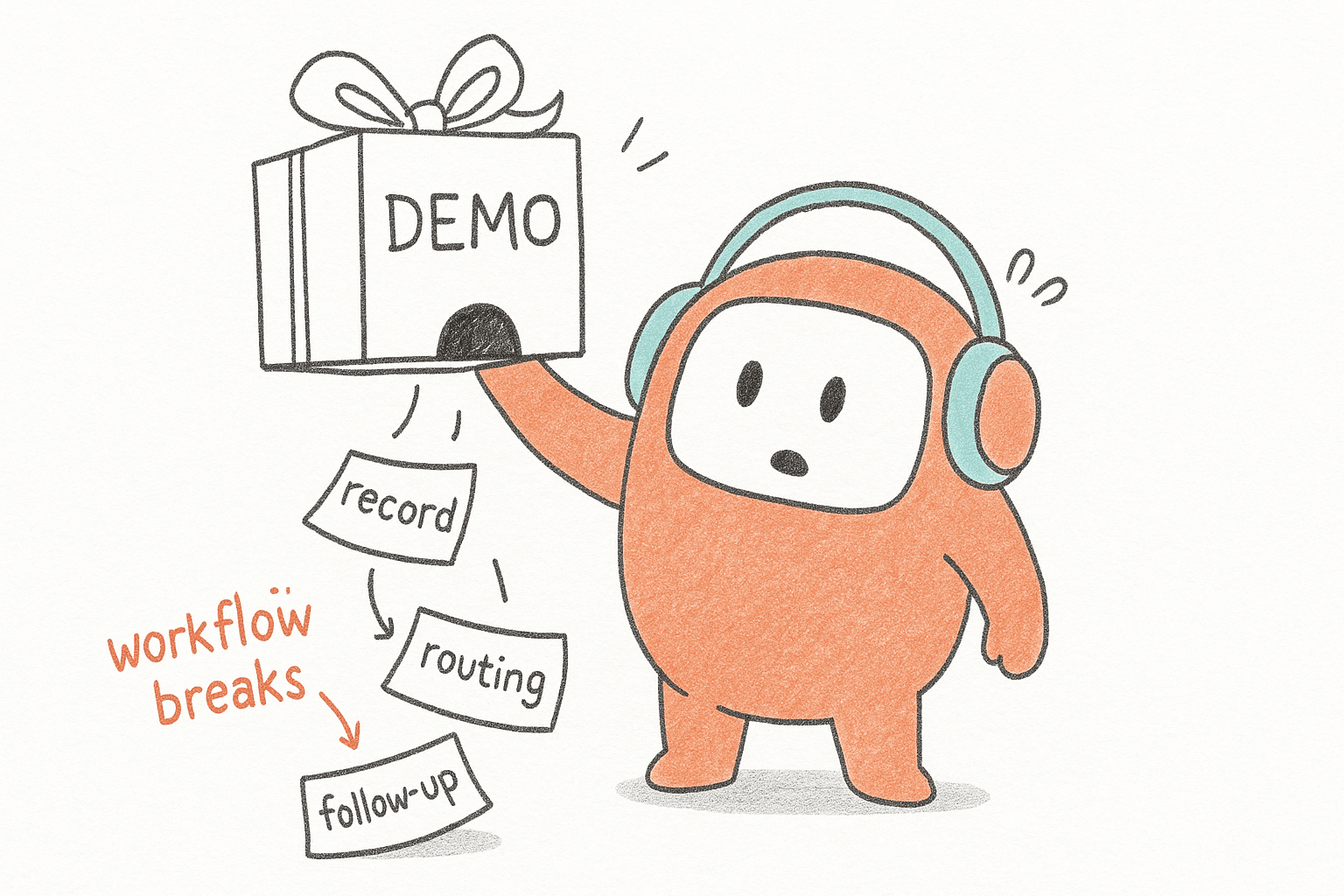
A VP of Support listens to a vendor demo at 2:00 PM. The AI answers a refund question, gives a polite apology, and sounds better than expected. Everyone nods. Then someone asks, "What if the customer already opened a chat ticket, has an unpaid invoice, and needs a callback after 5 PM?" The demo slows down, because the answer is no longer about AI. It's about operations.
That's where most buying teams get caught. They test the agent like a speaker, not like a worker. A worker needs context, rules, tools, and a clear place to send the customer when judgment is required. A speaker can sound polished and still leave the queue worse than before. Honestly, we've seen teams get impressed by the first thirty seconds and miss the next thirty steps.
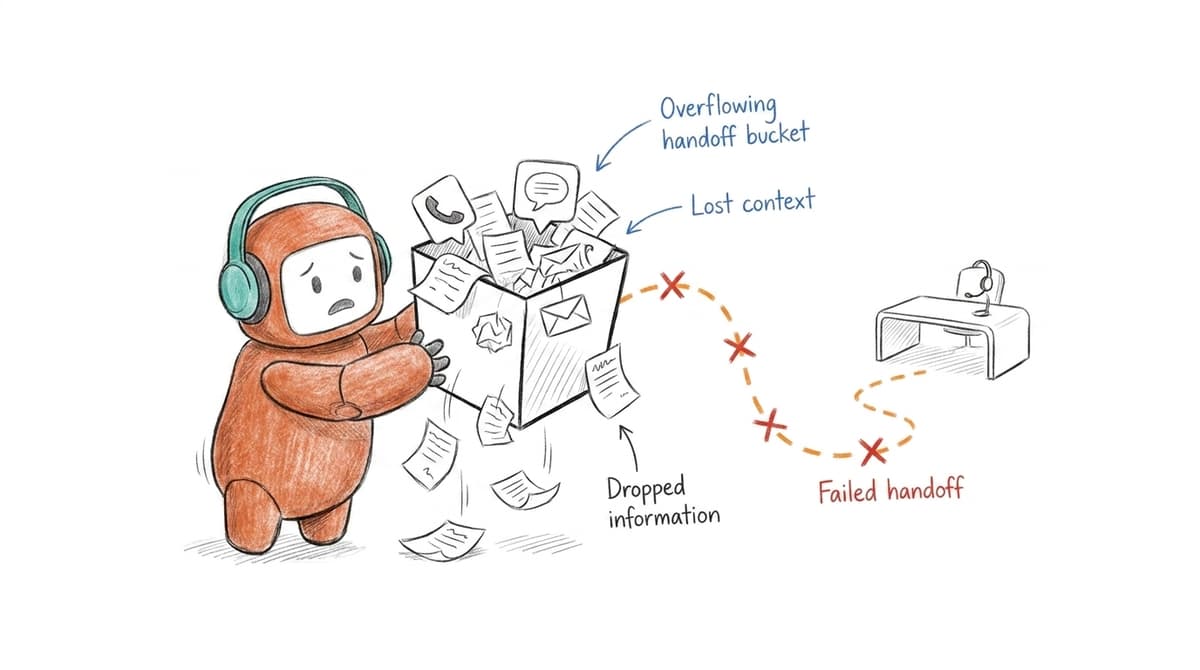
Support operations is a relay, not a solo race. If the first runner is fast but drops the baton at the handoff, the team still loses. AI works the same way. A strong first answer means very little if the human agent has to ask the customer to repeat the whole story.
The real problem isn't the bot, it's the operating model
The problem isn't that AI agents are too weak. It's that most customer operations were built before humans and AI were expected to share the work. Ticketing sits in one system, Voice sits somewhere else, Chat has its own transcript, Outbound follow-up lives in a dialer or spreadsheet, and Knowledge gets updated when someone remembers.
That's why the phrase "what B2B support leaders should ask" needs to change. The first question shouldn't be, "Can the AI resolve tickets?" It should be, "Where does the work go when the AI reaches its limit?" If the answer is a separate queue, a copy-pasted summary, or a manual Slack message, the system is already adding drag.
There is a fair counterpoint here. Some teams only need a simple FAQ bot, and that's fine. If you have low volume, narrow questions, and no outbound or escalation complexity, a point tool may be cheaper and faster. The argument changes when support, revenue, and operations all depend on the same customer context. Then a bot isn't enough.
What B2B Support Leaders Should Check Before Buying AI
What B2B support leaders should check before buying AI is whether the agent can complete the surrounding work, not just generate the next sentence. The strongest evaluation looks at escalation paths, shared knowledge, channel continuity, deployment fit, and outbound workflows. Without those checks, teams risk buying another tool instead of fixing the system.
Check where the customer record actually lives
Start with a simple map. Pick one common customer journey, then trace every system the customer touches from first contact to final outcome. If the path includes chat, ticketing, phone, CRM, email, and a spreadsheet, don't call that an edge case. That's your operating model showing itself.
The diagnostic is straightforward. Ask your team to follow one real support issue from the last seven days and write down every handoff. Count the number of times context was copied, summarized, retyped, or guessed from memory. If that number is higher than two, AI will not fix the problem by answering faster. It will just push incomplete work into the next system faster.
What B2B support leaders often miss is that the customer record isn't always the CRM record. The real record is the thread of what happened: what the customer asked, what the AI said, what the human changed, what was promised, and what follow-up is still open. If that thread gets split, your team pays for it in repeat questions and slower resolution. Not dramatic. Just expensive.
A useful buying test looks like this:
- One customer thread: Can voice, chat, SMS, email, and messaging stay tied to the same customer history?
- One handoff path: Can the AI pass context into a human workspace without asking the customer to restart?
- One knowledge source: Can AI and humans use the same approved answers?
- One operations view: Can managers see where conversations stall, not just how many tickets closed?
Test the agent on action, not conversation
A support AI that only talks is incomplete, Ask it to do something, Route a refund exception, Flag a sensitive complaint, Trigger a follow-up message, Qualify a lead that came through support, Escalate an angry customer after two failed attempts, and the point isn't to make the test unfair. The point is to test the work that actually hits your team.
A good test case should have at least three turns and one rule conflict. For example, a customer asks for a refund on an expired plan, mentions a billing issue, then asks to speak to a person. If the AI keeps answering from policy text without escalating, that's a problem. If it escalates but loses the refund context, that's also a problem. If it routes correctly and passes the summary, now you're seeing workflow capability.
Some vendors will push back and say those cases need configuration. Fair point. Real customer operations always need configuration. The issue isn't whether setup is required, but whether the platform is built to manage that setup without turning every script change into an engineering ticket. If your support team can't adjust routing, language, and handoff rules when policies change, the system will age badly.
For teams trying to test that handoff against a live workflow instead of a polished demo, it makes sense to book a demo around one real conversation path your agents handled last week.
Decide what should never be automated
Not every conversation belongs with AI. B2B support leaders know this, but buying committees often pretend the line is obvious. It isn't. A password reset, order status check, appointment reminder, or basic policy question can usually be automated with clear rules. A cancellation threat from a high-value account should probably move to a person fast.
The better approach is to define automation boundaries before vendor selection. Write down which intents AI can handle, which ones need approval, and which ones must escalate immediately. Use concrete triggers: negative sentiment, unresolved intent after two attempts, VIP customer status, regulated language, payment dispute, legal threat, or request for a manager. If the vendor can't support those boundaries, the AI is not ready for your operation.
Here's the counterintuitive part. Strong AI programs often automate less at the beginning, not more. They start with safe, repeatable work, then expand only after managers can see where the system succeeds and where it fails. That may feel slower in the first month. In practice, it reduces rework, protects customer trust, and gives your team a cleaner path to higher automation later.
One quick rule works well: if a wrong answer would create money movement, policy exception, legal exposure, or customer churn, require a human path. If a wrong answer would only require a correction, automation may be acceptable. The line is not moral. It's operational.
Look for inbound and outbound in the same operating layer
Support leaders usually start with inbound pain. Long queues, after-hours backlog, inconsistent answers, repeat tickets. Then the same team discovers outbound is part of the problem too. Customers need reminders, Leads need fast follow-up, Collections need compliant contact attempts, Service issues need recovery messages, and none of that sits neatly inside inbound support.
If inbound and outbound live in separate tools, context breaks. A customer who missed a payment reminder may call support. A lead who asked a pricing question in chat may need a sales follow-up. A support issue may require a callback after the engineering team checks an account. When those workflows sit across a helpdesk, dialer, and messaging tool, ownership gets fuzzy fast.
What B2B support leaders should ask here is simple: can the same system see both the inbound conversation and the outbound action that follows? If not, your AI agent may answer the customer's question but miss the next best step. The cost isn't just slower service. It is lost recovery, missed revenue, and extra manual work for the people already carrying the queue.
A useful threshold: if more than 20% of your customer conversations require any follow-up outside the original channel, evaluate outbound capability during the first buying round. Don't save it for phase two. Phase two is where good intentions go to wait.
Match deployment model to operational risk
Deployment isn't just an IT detail. For B2B support leaders, it decides whether the AI program can actually survive security, legal, procurement, and operations review. Cloud may be the right path for many pilots. Regulated production workloads may need more control, especially in banking, lending, insurance, and collections.
The mistake is treating deployment like a checkbox. Ask where customer data is processed, who can access conversation logs, how changes are reviewed, and what happens when the system needs to connect to internal records. If the answer depends on three vendors and two custom bridges, expect delays. If the system has a clear production path and defined handoff with your existing tools, implementation becomes less of a guessing game.
There is a tradeoff. More deployment control can mean more infrastructure review, more internal ownership, and more upfront planning. That's valid. The point isn't to choose the heaviest model by default. The point is to match deployment to risk. A US software company testing lead follow-up may move faster in cloud. A bank running production voice workflows may need on-prem review from the start.
A practical buying filter:
- Pilot path: Can the team prove the workflow in weeks, not quarters?
- Production path: Can the deployment model fit security and data requirements?
- Change path: Can operations adjust workflows without waiting on a long technical queue?
- Rollback path: Can the team test, review, and reverse changes if a rule performs badly?
Make reporting show the work, not just the volume
Volume metrics are easy to collect and easy to misunderstand. Tickets closed, calls handled, chats answered, average response time. Useful, yes. Complete, no. A support team can improve response time while hiding more escalations, more reopens, and more follow-up work in the background.
The better reporting view follows the workflow. Which intents were resolved by AI? Which ones escalated? Which knowledge articles failed? Which handoffs needed human correction? Which outbound steps led to contact, booking, payment, or recovery? Without those answers, support leaders end up managing activity instead of outcomes.
What B2B support leaders need from AI reporting is not a prettier dashboard. They need enough signal to change the system every week. If the AI fails on billing questions, update the knowledge. If escalations spike after a policy change, rewrite the rule. If outbound reminders create confused inbound calls, fix the sequence. Reporting should create operational decisions, not just board slides.
We were surprised by how often teams skip this during evaluation. They ask whether analytics exist, then move on. A sharper question is, "Show me the last ten conversations the AI got wrong and how my team would correct the system." That question tells you more than any success-rate chart.
How Revve Runs Customer Operations Workflows
Revve runs customer operations workflows by putting AI agents and human agents inside one shared workspace across inbound and outbound conversations. The platform connects voice, chat, SMS, messaging, knowledge, routing, escalation, and follow-up. It is built for teams that need execution, not another AI layer beside the work.
One workspace for AI and human agents
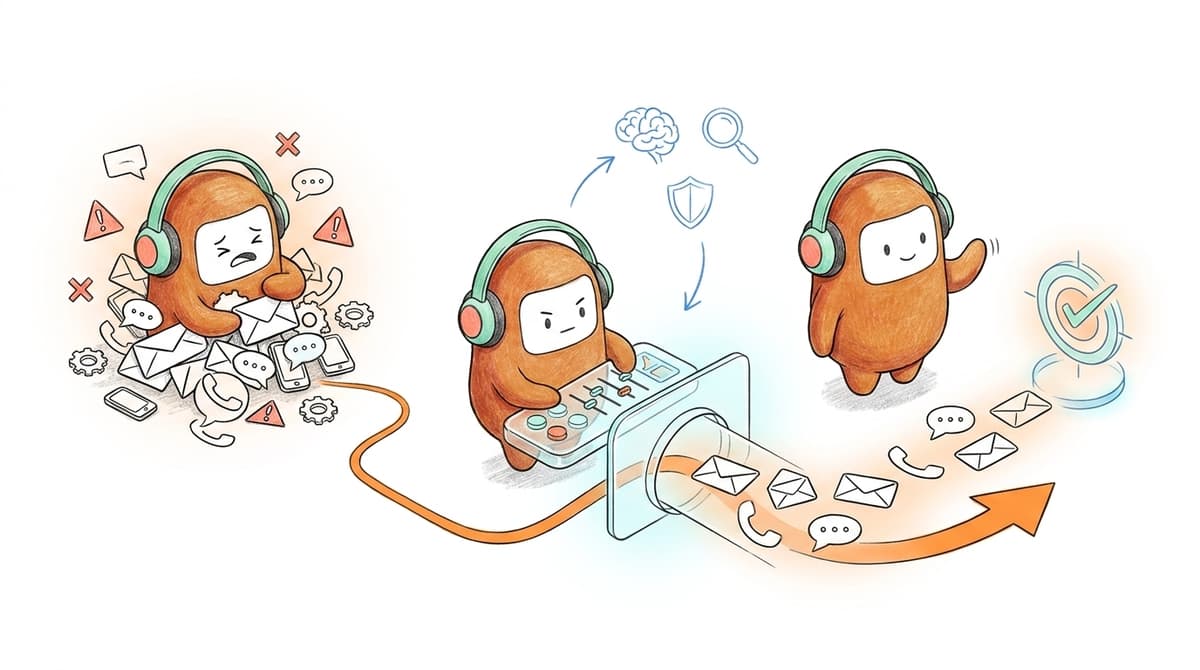
Revve gives teams a unified AI and human workspace where conversations don't disappear when they move from automation to a person. When AI handles a conversation, the activity stays in the same record. When a human takes over, the agent sees the prior context, summary, and suggested next steps instead of rebuilding the issue from scratch.
That matters because the failure point for many AI programs is the handoff. The customer starts with a bot, moves to a human, and repeats the story. Revve's Smart Escalation and Full-Context Handoff is built for that moment. Teams can define escalation triggers based on sentiment, unresolved intent, keywords, customer tier, duration, or custom rules. The AI doesn't have to pretend it can handle everything. It knows when to step aside.
Knowledge, channels, and outbound in one layer
Revve's knowledge-grounded AI automation uses approved documents, websites, and FAQs to answer within the information the team has loaded. That keeps answers tied to operational knowledge instead of generic generation. The same knowledge layer supports AI and human agents, so corrections don't live in a separate training file nobody checks.
The platform also brings omnichannel conversation management and outbound orchestration into the same operating layer. A team can manage voice, chat, SMS, email, WhatsApp, Messenger, Zalo, web chat, app chat, LINE, Instagram, and LinkedIn while keeping the customer thread together. For outbound, teams can build multi-step campaigns across calls, SMS, WhatsApp, messaging apps, and email with configured timing, exit rules, and contact enrollment from CRM sync or CSV import. Revve doesn't replace your legal review or your CRM. It gives customer operations one place to run the customer-facing work around them.
Deployment that fits the buying committee
Revve supports both cloud and on-prem deployment, with SOC 2 compliance and enterprise controls that matter for teams with stricter security, data residency, or infrastructure requirements. That flexibility is important because support leaders don't buy alone. Security, compliance, IT, operations, and revenue all have a vote, and each one cares about a different risk.
What Support Leaders Should Do Next
Support leaders should stop evaluating AI as a channel feature and start evaluating it as an operating model. The buying question is no longer whether an agent can sound human. The real question is whether it can share context, follow rules, hand off cleanly, and keep customer work moving across inbound and outbound.
Start with one workflow your team already feels every week. Map the systems, handoffs, delays, and follow-up steps. Then test vendors against that workflow, not against a staged FAQ. If the AI can answer but can't act, you're buying another queue. If it can act inside the same workspace as your team, you're much closer to the future customer operations actually needs.